AI-Powered Design: What Creators Should Know for the Future
29 August 2026
The design industry is going through a shift that feels less like an evolution and more like a rewrite of the rules. AI tools are no longer experimental toys. They are embedded in the daily workflow of illustrators, UI designers, brand builders, and motion artists. But the conversation around AI in design is often split between two extremes: the fear of obsolescence and the hype of effortless creativity. The truth sits somewhere in between, and it is far more interesting.
This article is not a list of cool tools. It is a practical guide for creators who want to stay relevant, protect their craft, and use AI as a genuine partner rather than a crutch or a threat. The future of design is not about AI replacing humans. It is about humans who understand AI deeply outperforming those who ignore it.
The Real Role of AI in the Creative Process
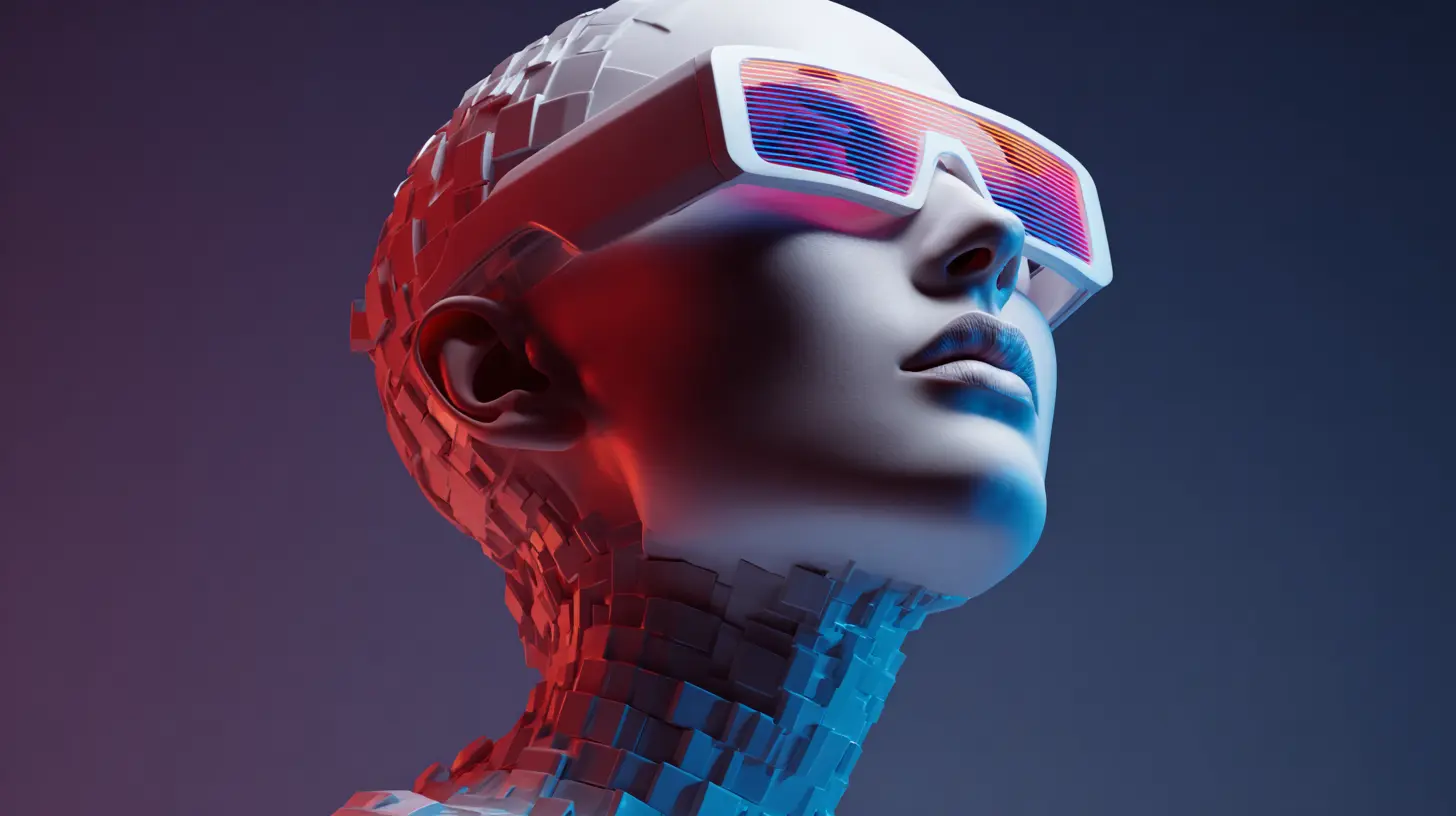
Most people think of AI as a generator. You type a prompt, and out comes an image. That is the surface level. The deeper role of AI is as a cognitive assistant that can handle the repetitive, tedious, and computationally heavy parts of design while freeing you to focus on strategy, emotion, and intent.Consider the early stages of a project. You are exploring visual directions for a client. Without AI, you might spend hours collecting references, sketching thumbnails, or creating mood boards. With AI, you can generate dozens of concept variations in minutes. But here is the critical point: the AI is not doing your thinking. It is doing your searching. The creative direction, the taste, and the judgment about which direction actually solves the client's problem are still entirely yours.
This distinction matters because it changes how you should approach the tool. If you treat AI as a substitute for your brain, you will produce generic work. If you treat it as an extension of your research process, you will produce work that is both faster and more informed.
The Difference Between Generation and Curation
A common mistake among new AI users is asking for a finished product. They type "logo for a coffee shop" and expect a usable mark. What they get is a collage of cliches. The reason is that AI models are trained on averages. They produce what is statistically likely, not what is strategically correct.The real skill is curation. Your job is to generate a wide range of outputs, then use your expertise to select, refine, and combine. This is not a lesser role. In fact, it is the role that has always defined great designers. The best art directors have always known that their value lies in saying "no" to ninety-nine ideas so that one great idea can shine. AI gives you a faster way to reach those ninety-nine bad ideas, which means you have more time to find the one that works.
How AI Changes the Design Workflow
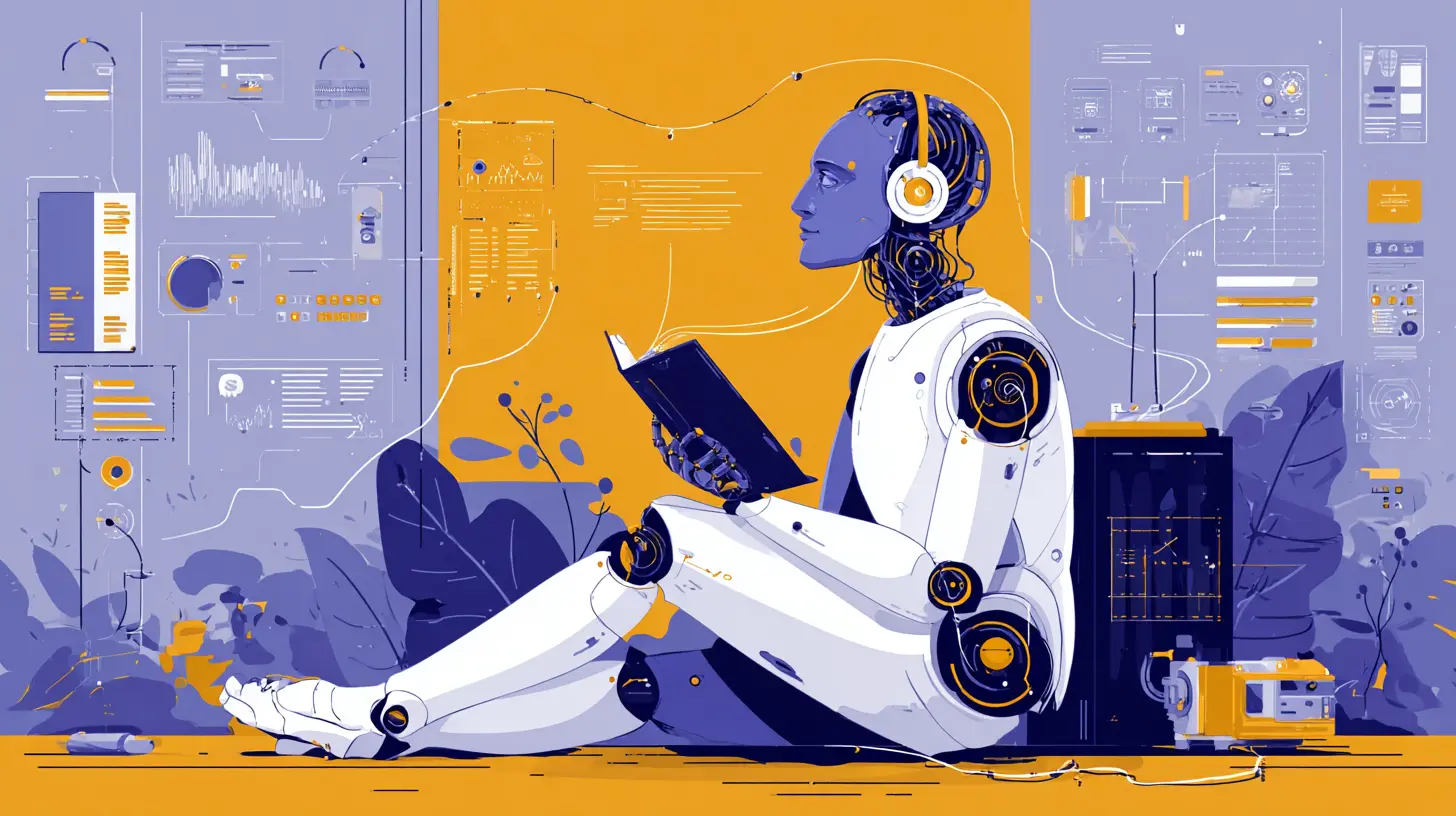
Adopting AI is not about adding a plugin to your existing process. It is about restructuring how you move from brief to delivery. The workflow shifts from a linear path to a more iterative and parallel one.Ideation and Concept Exploration
In the traditional workflow, you might spend three days sketching before showing the client a few directions. With AI, you can compress that phase into a few hours. But you need to be disciplined. Set a specific goal for your exploration. For example, "I want to explore three different typographic treatments for a tech startup that wants to feel approachable but not childish."Then you use AI to generate variations on that theme. You are not looking for the final answer. You are looking for unexpected combinations, color palettes you would not have considered, or layout structures that spark a new idea. The AI is a brainstorming partner that never gets tired and never judges your bad prompts.
Rapid Prototyping and Iteration
Once you have a direction, AI accelerates the iteration loop. Need to see how a hero image looks with a different background? Need to test a header in five different font styles? AI can produce those variations instantly. This is where the time savings become real.But there is a trap here. Speed can lead to shallowness. If you are iterating so fast that you never stop to ask "why," you will end up with a polished version of a weak idea. The best practice is to set a hard limit on how many iterations you allow for each decision. Force yourself to commit to a direction after a certain number of tests. This prevents the analysis paralysis that AI can easily induce.
Production and Asset Creation
This is the area where AI has the most obvious impact. Generating background textures, creating placeholder illustrations, resizing images for different breakpoints, or even creating short video loops for a landing page are all tasks that used to take hours. Now they take minutes.The key is to know which assets are truly throwaway and which are core to the brand. For throwaway assets, let AI do the heavy lifting. For core assets, use AI as a base and then apply your human touch through manual refinement in your tool of choice.
The Skills That Matter More Than Prompting
There is a lot of talk about "prompt engineering" as the new essential skill. That is overblown. Prompting is a technical skill that can be learned in a day. The skills that actually separate a great AI-assisted designer from a mediocre one are the same skills that have always mattered, but they are now more important.Visual Literacy and Taste
When AI gives you ten options, you need to know which one is good. This requires an understanding of composition, color theory, hierarchy, and typography. It requires knowing what makes a design feel balanced, even if you cannot articulate it in technical terms. This is not something a tool can give you. It is something you build through years of looking at design, making your own work, and studying the work of others.Critical Thinking and Problem Solving
A design brief is a problem to be solved. AI can help you explore solutions, but it cannot define the problem. You need to ask the right questions: Who is the audience? What is the desired emotional response? What is the context of use? What are the constraints? If you cannot answer these questions, AI will only give you noise.Communication and Narrative
AI can generate images, but it cannot tell the story behind the design. Clients want to know why a certain color was chosen, why a certain layout works, and how the design achieves their business goals. Your ability to articulate the reasoning behind your choices becomes your competitive advantage. The more AI democratizes visual output, the more valuable your ability to explain and defend your work becomes.
Real-World Examples of AI in Professional Design
It helps to see how AI is actually being used in professional settings, not just in theory.Brand Identity Development
A branding agency working on a new identity for a food delivery service used AI to generate hundreds of icon variations for a fork-and-spoon motif. The team did not use any of the icons directly. Instead, they used the AI outputs to identify common shapes and forms that felt modern and friendly. Then they handed those outputs to a senior illustrator who created a custom icon set that was both original and informed by the AI's pattern recognition.The result was a process that saved two weeks of exploration time and produced a final result that was better than what the team would have created without the AI input. The AI did not replace the illustrator. It made the illustrator's job easier and the final outcome stronger.
Web Design and Layout
A freelance web designer used AI to generate multiple hero image options for a client in the fitness industry. The client wanted something that conveyed energy but not aggression. The AI generated a variety of options, from close-ups of athletes to abstract motion blur shots. The designer selected three directions, showed them to the client, and used the feedback to refine the prompt for a second round.The client ended up choosing a direction that the designer would never have considered on her own: a macro shot of sweat droplets on a dark background with a subtle orange gradient. The AI did not invent this idea from nothing, but it surfaced a combination that the designer's own bias had filtered out.
Motion Design and Video
Motion designers are using AI for rotoscoping, background removal, and generating in-between frames for animations. This is less glamorous than generating a full video, but it is far more practical. The time saved on these tedious tasks allows the designer to focus on timing, easing, and storytelling, which are the parts of motion design that actually matter to the audience.The Trade-Offs You Need to Accept
AI is not a free lunch. There are real trade-offs, and pretending otherwise will lead to poor decisions.Loss of Control and Precision
When you draw a line in vector software, you know exactly where it is and what it does. When you generate an image with AI, you are working with probabilities. You can guide the output with prompts and parameters, but you cannot control every pixel. For projects that require exact specifications, such as a technical illustration or a precise layout, AI may not be the right tool. You need to decide where precision matters and where it does not.Intellectual Property and Legal Uncertainty
The legal landscape around AI-generated art is still being settled. Copyright offices in various countries have made different rulings on whether AI-generated images can be copyrighted. Some courts have said no, because there is no human authorship. Others are still deliberating. If you are creating commercial work, you need to understand the rules in your jurisdiction and the terms of service for the tools you use.A practical approach is to use AI for exploration and reference, but to ensure that your final deliverables include enough human modification and creative input to qualify for copyright protection. This is not just a legal formality. It is also good practice, because a design that is purely AI-generated is likely to look generic and fail to connect with an audience.
Consistency and Brand Cohesion
AI models are notoriously bad at maintaining consistency across a series of images. If you need a set of ten illustrations for a website where the same character appears in each one, AI will struggle. The character's face will subtly change, the proportions will shift, and the color palette will drift. You can work around this with careful prompting and image-to-image techniques, but it requires effort and may still not be perfect.For brand work, consistency is everything. A logo that changes slightly from one application to another is a failure. This is one area where human designers still have a clear advantage. You need to decide whether the time saved by AI is worth the extra effort required to enforce consistency.
Common Mistakes and Misconceptions
There are several myths about AI in design that need to be debunked.Myth: AI Will Make Designers Obsolete
This is the most common fear, and it is not supported by the evidence. Every major technological shift in design, from desktop publishing to digital photography, was predicted to eliminate designers. In each case, the number of design jobs increased, and the quality of work improved. The reason is that technology removes barriers, and lower barriers mean more demand for good design.AI will likely eliminate some jobs, specifically those that involve repetitive production work. But it will also create new roles for people who can manage AI tools, integrate them into workflows, and use them to deliver higher value to clients.
Mistake: Using AI Without a Clear Brief
The most common mistake is opening an AI tool without a specific goal. You end up generating random images, getting distracted by cool outputs, and wasting hours. Treat AI like any other design tool. Define your objective before you start. Write a brief, even if it is just for yourself. This discipline will save you time and improve your results.Misconception: AI Saves Time on Everything
AI saves time on generation and ideation. It does not save time on thinking, strategy, client communication, or refinement. In fact, it can add time to those phases because you now have more options to evaluate and more variations to explain. The total project time may not decrease as much as you expect. The value is in the quality of the output, not necessarily the speed.Best Practices for Integrating AI into Your Workflow
If you want to use AI effectively, start with these practices.Use AI for the First 80 Percent, Not the Last 20 Percent
The most efficient use of AI is to get from a blank page to a rough draft. Let AI generate a foundation that is good enough to work from. Then spend your human effort on the final 20 percent: the refinement, the details, the polish, and the strategic adjustments that make the work feel intentional and finished.Build a Personal Prompt Library
Instead of writing prompts from scratch every time, build a library of prompts that work for your style and your common project types. Save successful prompts, note what worked and what did not, and refine them over time. This is like building a swatch book or a texture library. It becomes part of your personal toolkit.Always Review for Bias and Stereotypes
AI models are trained on vast datasets that contain biases. This can show up in the form of gender stereotypes, racial bias, or cultural assumptions. As a designer, you have a responsibility to review AI outputs for these issues. Do not blindly accept what the AI gives you. Ask yourself if the output is representing people fairly and accurately.Keep a Human in the Loop for Final Decisions
No matter how good AI gets, there will always be a need for a human to make the final call. Whether it is a strategic decision, an ethical judgment, or simply a matter of taste, the human designer is the one who is accountable for the work. Make sure you are comfortable owning the final result, even if it was heavily influenced by AI.
The Future of the Creator Economy with AI
The next few years will bring more specialized AI tools, better integration with design software, and more sophisticated models that can understand context and intent. The creators who thrive will be those who see AI as a collaborator, not a competitor.We are already seeing the rise of the "solo studio" model, where one person with AI tools can produce work that used to require a team of five. This is empowering for independent creators, but it also raises the bar for professionalism. When everyone has access to the same tools, the differentiator becomes taste, judgment, and the ability to connect with an audience.
The New Role of the Designer
The designer of the future is less of a technician and more of a director. You are not spending hours manipulating pixels. You are spending time understanding the problem, defining the creative direction, and guiding the AI to produce the raw material that you then shape into a finished product.This is a more rewarding role. It emphasizes the parts of design that are genuinely creative and strategic. It also demands more from you in terms of critical thinking and communication. The tools will keep changing, but the core value of a designer has always been the ability to see possibilities that others cannot and to make decisions that turn those possibilities into reality.
Advice for Creators Starting Now
If you are just starting your career, do not rely on AI alone. Build your fundamental skills first. Learn how to draw, how to use design software, and how to think about composition and color. Once you have a solid foundation, then learn how to use AI to amplify your abilities. The danger is learning AI first and skipping the fundamentals. That will leave you dependent on the tool and unable to judge its output.If you are an established professional, start integrating AI into small parts of your workflow. Do not try to overhaul everything at once. Pick one repetitive task, find an AI tool that handles it, and see how it changes your process. Then expand from there.
A Balanced View on AI Adoption
Not every project needs AI. Not every client wants it. There are still many situations where a hand-crafted approach, traditional illustration, or a human-drawn sketch is the right choice. AI is a tool, not a mandate. You should use it where it adds value and set it aside where it does not.The best approach is pragmatic. Evaluate each project on its own merits. Ask yourself whether AI will help you deliver a better result, faster, or whether it will introduce unnecessary complexity. Sometimes the answer is yes. Sometimes it is no. The ability to make that call is itself a skill.
Final Thoughts
AI-powered design is not a trend that will fade. It is a permanent part of the creative landscape. The question is not whether you will use AI, but how well you will use it. The creators who succeed will be those who treat AI as a powerful assistant, not a replacement for their own judgment. They will use it to explore more ideas, iterate faster, and push the boundaries of what is possible, while always keeping their own taste and vision at the center of the work.The future is not about machines making art. It is about humans using machines to make better art. That is a future worth being excited about, and it is one that every creator can participate in.
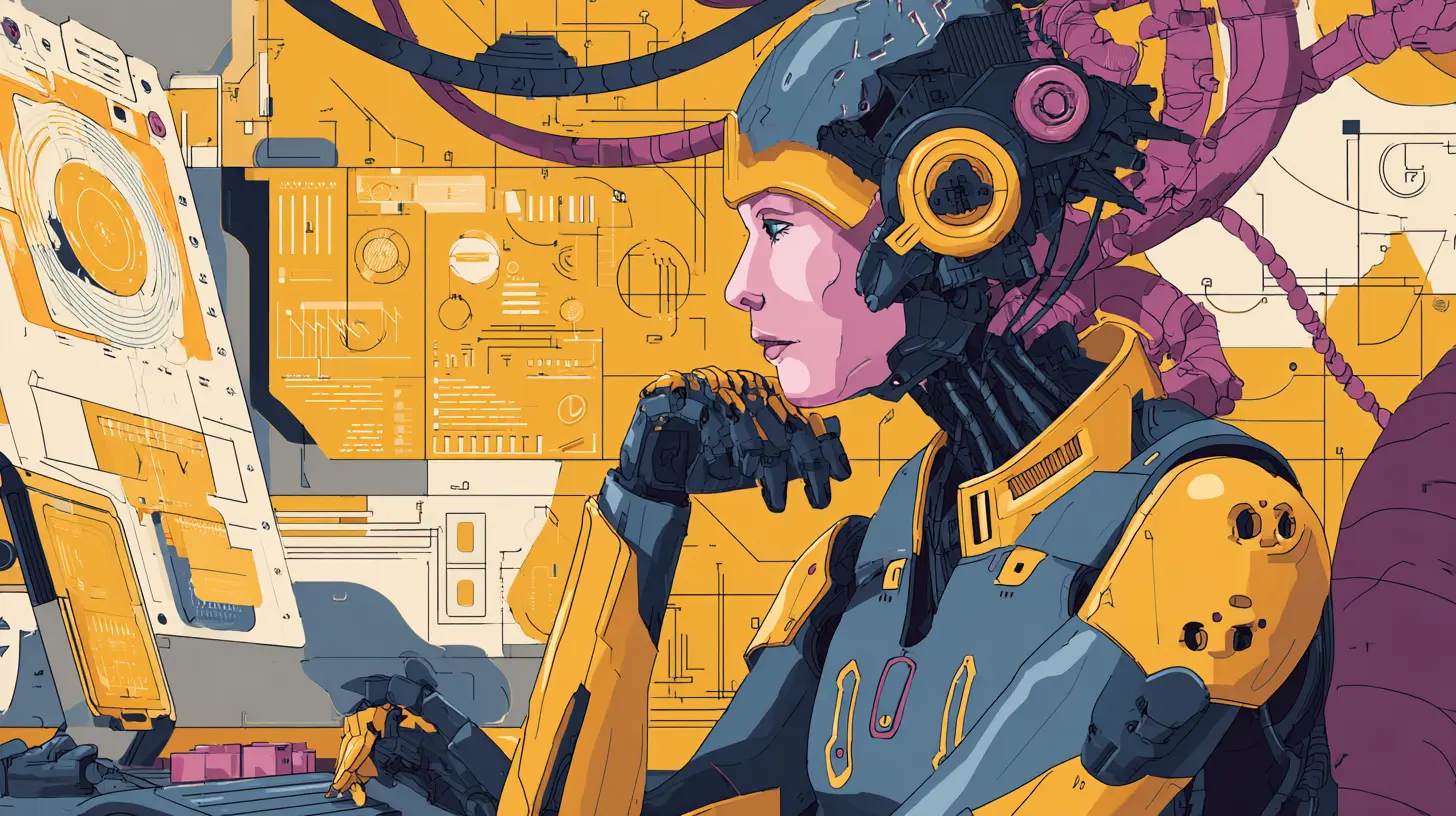
all images in this post were generated using AI tools
Category:
Tech For CreatorsAuthor:

Adeline Taylor
Discussion
rate this article
1 comments
Meredith Wilson
Great insights on AI in design! It's exciting to see how technology can enhance creativity. Can't wait to explore these tools and see where they take us...
September 3, 2026 at 10:45 AM
Adeline Taylor
Thanks for the feedback! Excited to see how you'll use these tools in your creative work.