Are Ultra-Thin Laptops Getting Too Thin? What to Expect in 2027
15 September 2026
There is a point where engineering stops being impressive and starts being hostile. Ultra-thin laptops are flirting with that line right now. Walk into any electronics store and you will see machines that look like they were pressed flat by a cartoon steamroller. They are gorgeous. They are also, in some cases, a pain to actually use. So the question is not whether thin laptops are impressive. They are. The question is whether the pursuit of thinness has started to eat the things that make a laptop worth owning.
This article is not a love letter to slim chassis or a rant against them. It is a hard look at where ultra-thin design stands, what the trade-offs actually cost you, and what the next few years will realistically bring. If you are shopping for a laptop or just trying to understand where the industry is heading, you will leave with a clearer picture.

The Thinness Race Never Really Stopped
For the better part of two decades, laptop thinness was a proxy war. Apple's MacBook Air set the tone in the late 2000s, and every major manufacturer responded with its own razor-thin flagship. Dell, HP, Lenovo, Asus, Acer, Samsung, LG. Everyone wanted the crown for the slimmest chassis at a given screen size.That race produced real breakthroughs. Unibody aluminum construction, fanless designs, custom batteries shaped around internal components, and display panels that shaved millimeters off the lid. These are legitimate engineering wins. The problem is that the race has not stopped at the point of diminishing returns. It kept going.
Today you can buy laptops under 12 millimeters thick at the hinge. That is thinner than a standard pencil. It looks incredible on a spec sheet. It also creates a cascade of compromises that most buyers only notice after the honeymoon phase ends.
Why Thinness Sells, Even When It Hurts
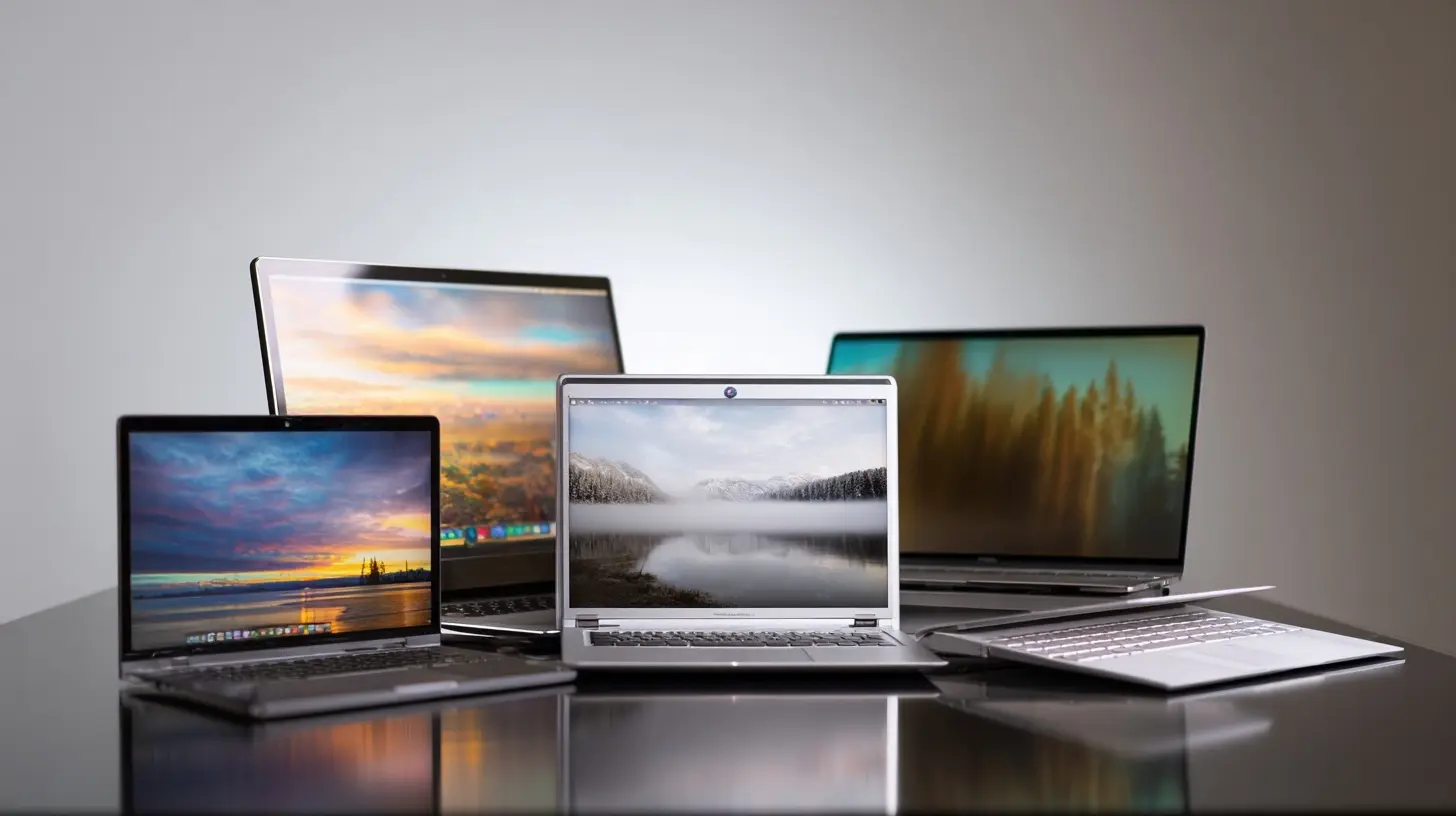
Manufacturers are not stupid. They push thinness because it works. A thin laptop photographs well, it feels premium in the hand, and it signals engineering competence. Retail shelves reward it. Reviewers reward it. Social media rewards it.There is also a real benefit for a specific kind of user. If you commute daily, travel frequently, or work from coffee shops and airports, every gram and millimeter counts. A laptop that disappears into a bag and does not wreck your shoulder is worth real money. For that audience, thinness is not vanity. It is utility.
The mistake is treating thinness as a universal good. It is not. It is a design priority that trades against other priorities, and those trades are getting more aggressive.
The Real Costs of Extreme Thinness
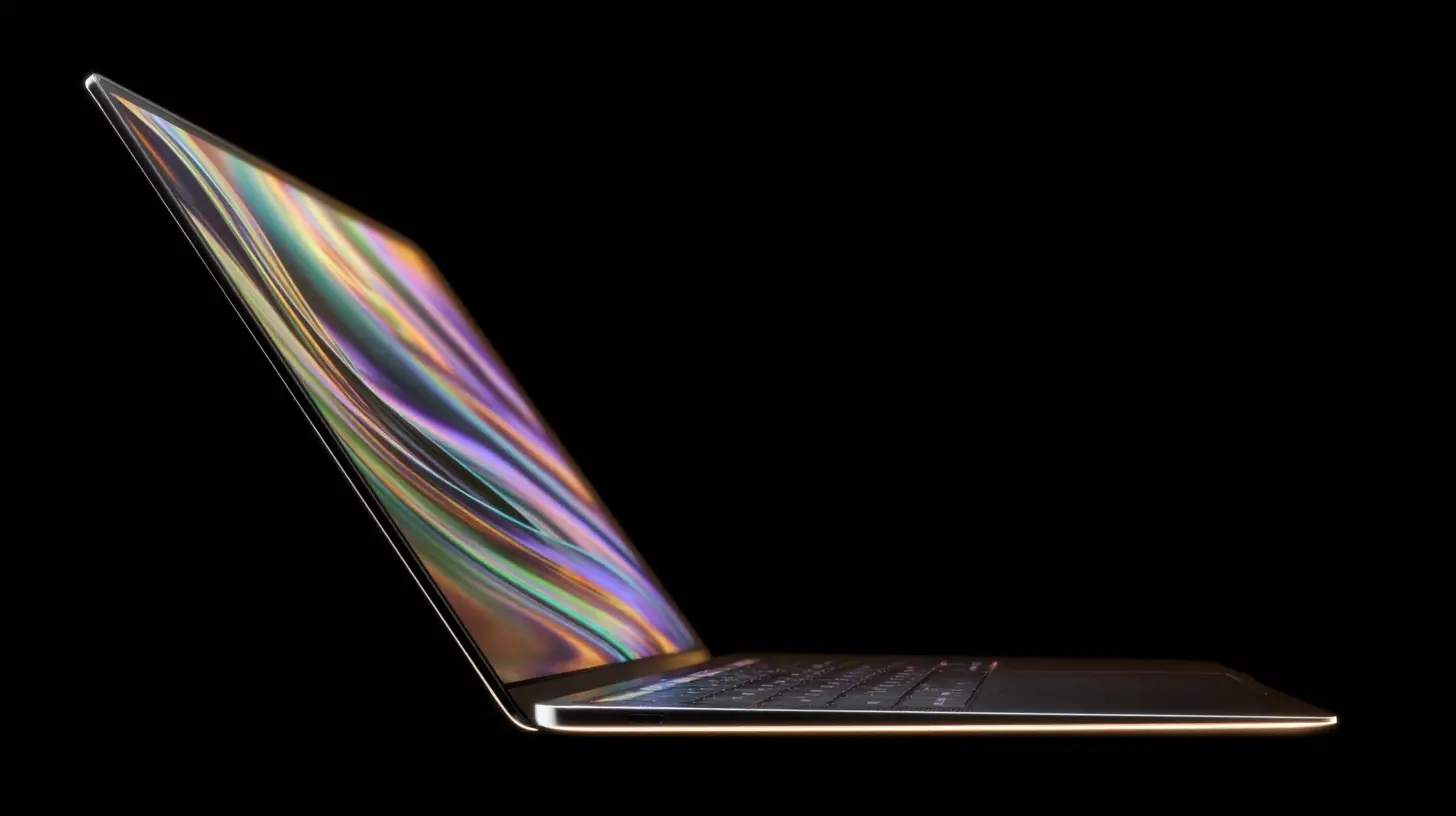
Let us get specific. When a laptop gets thinner, something has to give. Usually several things give at once.Battery Capacity Hits a Ceiling
Battery cells need volume. There is no way around physics. A thinner chassis means less room for cells, which means either lower capacity or a shift to denser, more expensive battery chemistry. Some manufacturers use higher-density cells to compensate, but those cells cost more, run hotter, and can degrade faster under heavy charge cycles.A 13-inch laptop from 2015 might have packed a 60 watt-hour battery. A similarly sized ultra-thin model today might ship with 50 watt-hours or less, then rely on a more efficient chip to hit the same runtime claim. That works until you push the machine hard. Efficiency gains evaporate under sustained load, and suddenly you are hunting for an outlet two hours earlier than you expected.
Cooling Gets Compromised
Heat has to go somewhere. Thin laptops have less vertical space for heat pipes, vapor chambers, and fans. Many rely on passive cooling, which is silent and elegant but limits sustained performance. Others use tiny high-speed fans that whine under load.The result is a class of laptops that benchmark well for thirty seconds and then throttle hard. If your work involves video export, code compilation, 3D rendering, or sustained data analysis, that throttling is not a minor annoyance. It directly extends how long tasks take.
Ports Disappear
This one is well known but still underappreciated. Thin chassis cannot fit full-size HDMI, USB-A, or SD card slots without bulging or compromising structural rigidity. So manufacturers drop them and sell you a dongle. Sometimes several dongles.Dongles are not just inconvenient. They get lost, they add cost, they occupy bag space, and they introduce failure points. A single USB-C hub that handles power, display, ethernet, and USB-A is a small computer in its own right, and it can fail in ways a built-in port never would.
Keyboards and Repairability Suffer
Shallow key travel is a direct consequence of thin design. Some people adapt. Many do not, and typing fatigue is real. Apple's butterfly keyboard era is the cautionary tale here, a design that prioritized thinness and paid for it with reliability problems and a public backlash.Repairability also takes a hit. Glued batteries, soldered RAM, soldered storage, and tightly integrated displays make thin laptops harder to service and upgrade. That is great for manufacturers and bad for your wallet three years down the line.

What "Too Thin" Actually Means
Too thin is not a fixed number. It is a threshold where the compromises start outweighing the benefits for your specific use case. A journalist who writes in cafes can live happily with a fanless 11-millimeter machine. A video editor cannot. Same product category, opposite verdicts.Here is a practical way to think about it. Ask yourself three questions:
1. Do I ever push this machine for more than 15 minutes at a time?
2. Do I need ports that do not fit in a thin chassis?
3. Do I plan to keep this laptop for more than three years?
If you answered yes to two or more, extreme thinness is probably working against you. If you answered no to all three, thin is fine, and you should enjoy it.
The 2027 Outlook: Where This Is Heading
Predicting the future is a fool's game, but the trajectory is visible enough to make reasonable projections. Here is what I expect to see by 2027, framed as informed possibilities rather than certainties.Thinner Flagships, Smarter Compromises
The thinnest flagship laptops will likely get even thinner, but the compromises will be managed more intelligently. Expect wider adoption of silicon-carbon battery technology, which packs more energy into the same volume. Expect more efficient chips built on advanced process nodes, which reduce heat output and let thinner designs sustain performance longer.That does not mean thin laptops will suddenly match thick ones. Physics still wins. But the gap between a 12-millimeter machine and a 16-millimeter machine will narrow in practical terms.
A Stronger Counter-Trend
The pendulum is already swinging. Gaming laptops, creator laptops, and even some mainstream business machines are getting thicker on purpose to accommodate better cooling, bigger batteries, and more ports. Framework's modular laptops and various repairable designs have shown that a meaningful slice of the market cares more about longevity than slimness.By 2027, I expect the market to be more clearly bifurcated. Ultra-thin machines for people who genuinely need them, and thicker, more capable machines for everyone else. The mushy middle, where thin laptops pretend to be workstations, will shrink.
Modular Ports and Docking Standards
USB-C and Thunderbolt will remain the backbone, but expect better docking solutions and possibly more built-in modular port systems. Some manufacturers are already experimenting with swappable port modules on thicker chassis. If that idea matures, it could reduce the port penalty of thin designs without forcing thickness.Repairability Regulation
Right-to-repair legislation in Europe and parts of the United States is already pressuring manufacturers to make devices more serviceable. Thin laptops are the hardest to repair, so this pressure could push back against extreme thinness, at least in markets where regulation bites. This is not guaranteed, but the direction of travel is clear.
Common Mistakes Buyers Make
Before you spend money, avoid these traps.Mistake one: Buying thinness as a personality trait. A laptop is a tool. If you do not actually carry it often, you are paying for a benefit you will not use.
Mistake two: Trusting battery claims. Manufacturer runtime numbers come from light workloads at low brightness. Real-world use is messier. Look for independent reviews that measure sustained workloads.
Mistake three: Ignoring thermals until it is too late. Check reviews that measure sustained performance, not just peak benchmarks. A laptop that scores high for 30 seconds and then drops 40 percent is not a fast laptop.
Mistake four: Assuming USB-C solves everything. It does not. Dongles work, but they add friction, cost, and failure points. Count how many you will actually need before you buy.
Mistake five: Overlooking repairability. If you plan to keep the machine for four or five years, soldered RAM and glued batteries will hurt you. Check teardown scores and upgrade options before you commit.
Practical Advice by User Type
Different users need different answers. Here is a quick guide.Frequent travelers and writers. Ultra-thin is a good fit. Prioritize keyboard quality, battery life, and screen brightness over raw performance. A fanless design is fine if your workload is light.
Developers and analysts. You need sustained performance and RAM. Look for thicker machines with real cooling and upgradeable memory. Thin machines will frustrate you during long builds or large dataset processing.
Creators and editors. Cooling and color accuracy matter more than millimeters. A slightly thicker chassis with a good vapor chamber will save you hours over a year.
Students. Balance matters. A mid-thin laptop with decent battery, a comfortable keyboard, and at least one USB-A port will serve you better than a razor-thin machine that needs a dongle for everything.
Gamers. Thin gaming laptops exist, but they run hot and loud, and they throttle. If portability is not critical, buy a thicker machine or a desktop.
Best Practices for Living With a Thin Laptop
If you already own an ultra-thin machine or plan to buy one, these habits will help.- Use a high-quality USB-C hub with passthrough charging so you only carry one accessory.
- Keep the laptop on hard surfaces. Soft surfaces block vents and accelerate thermal throttling.
- Cap charging at 80 percent if your laptop supports it. This extends battery lifespan, which matters more on sealed designs.
- Undervolt or use manufacturer performance profiles to reduce heat during light tasks.
- Back up regularly. Soldered storage cannot be swapped if it fails, and repair costs are high.
The Verdict
Ultra-thin laptops are not a scam. They are a legitimate category for people who genuinely benefit from portability. But the industry has spent years treating thinness as the only metric that matters, and that has produced machines that look better than they perform for a large chunk of buyers.The smart move is to stop asking "how thin is it" and start asking "thin enough for what." By 2027, I expect the market to reward that question more directly, with clearer separation between portability-first machines and performance-first machines. Until then, your job is to know which one you actually need.
Buy the laptop that fits your life, not the one that fits the thinnest envelope. Your wrists, your battery, and your wallet will thank you.
all images in this post were generated using AI tools
Category:
Technology ReviewsAuthor:

Adeline Taylor
Discussion
rate this article
2 comments
Rosalyn Wallace
Great insights! Balancing portability and performance is key. I wonder how manufacturers will approach this challenge.
September 24, 2026 at 12:36 PM
Adeline Taylor
Thanks for your thoughts! It's definitely a tricky balance for manufacturers, and it will be interesting to see how they innovate in the coming years.
Marlowe McKenzie
Ultra-thin laptops are inching closer to a paradox. As they shed weight, what are we losing in performance and durability? The future may hold both elegance and an unforeseen price... a trade-off we should ponder.
September 19, 2026 at 5:00 AM