Gaming with Wireless Earbuds: Latency Lowdown for 2027
3 September 2026
Let's be honest: for years, the phrase "gaming with wireless earbuds" was an oxymoron. You either tolerated the tinny sound of a wired headset or you accepted that your Bluetooth buds would ruin your ranked match by making your footsteps arrive half a second late. But the landscape has shifted dramatically. By 2027, wireless earbuds are not just viable for gaming; for many players, they are the preferred choice. The catch is that the technology has evolved unevenly, and understanding the nuances of latency is the difference between a seamless experience and a frustrating one.
This article is not a list of "best earbuds for gaming." It is a deep dive into why latency happens, how the 2027 ecosystem has solved (and in some cases, failed to solve) it, and how you can make an informed decision based on how you actually play. We will cut through the marketing jargon, examine the real-world performance of different connection standards, and give you a practical framework for choosing the right pair without wasting money.
The Physics of the Delay: Why Bluetooth Was Never Built for Gaming
To understand the 2027 solutions, you have to understand the fundamental problem. Standard Bluetooth audio transmission is a one-way street designed for listening to music or podcasts. The data is compressed, packetized, and sent over a radio frequency that is shared with Wi-Fi, microwave ovens, and other Bluetooth devices. The receiver (your earbuds) has to buffer that data to ensure smooth playback, because if a packet is lost or corrupted, there is no time to request a resend. That buffer is the primary source of latency.In the early days, that buffer was massive, often exceeding 200 milliseconds (ms). For reference, a single frame at 60 frames per second is 16.7ms. A 200ms delay means your audio is over 12 frames behind the visual action. That is not a minor annoyance; it is a game-breaking disconnect. You hear the gunshot after you see the muzzle flash, and in a fast-paced shooter, that is a death sentence.
The industry tried to fix this with codecs like aptX Low Latency and later aptX Adaptive. These reduced the buffer time to around 40-80ms, which is acceptable for casual gaming. However, they had a fatal flaw: they required both the transmitter (your phone or PC) and the receiver (the earbuds) to support the same proprietary codec. If your phone did not have aptX LL, you were stuck with the standard SBC codec, which often fell back to that 150-200ms range.
The 2027 Turning Point: Proprietary Radio Links and the Death of the Codec War
The biggest change we have seen by 2027 is not a new Bluetooth version. It is the widespread adoption of proprietary, low-latency radio links that bypass Bluetooth entirely for gaming mode. Think of it like this: Bluetooth is a congested public highway. Proprietary links are a private express lane.Companies like Razer, Logitech, and Asus have been pushing this for years with their "2.4GHz" dongles. The dongle plugs into your PC, console, or phone, and it creates a direct, high-bandwidth, low-interference connection to the earbuds. This is not a new concept, but the 2027 iteration is different.
First, the size of these dongles has shrunk. They are no longer bulky USB-A sticks that block adjacent ports. Many are now USB-C, barely larger than a memory stick, and some are even designed to fit flush against the bottom of a phone. Second, the protocol has matured. Early proprietary links were power-hungry and had limited range. The 2027 versions use sophisticated frequency-hopping algorithms that can switch channels hundreds of times per second to avoid interference from Wi-Fi 6E and 7 routers, which are now ubiquitous in homes.
The result is a consistent, real-world latency of 20-30ms. That is imperceptible to the human ear. It is faster than the time it takes for your brain to process the visual stimulus of an enemy appearing on screen. This is the gold standard for competitive gaming in 2027.
The Trade-Off: Dongle Dependency
However, this private express lane has a toll. You cannot use the dongle and the standard Bluetooth connection simultaneously for two different audio sources. More importantly, if you lose the dongle, you are back to the public highway. Most earbuds in this category still support standard Bluetooth for calls and music, but the moment you switch to that mode, your latency jumps back to 100ms or more.This is the first major decision point. If you are a PC gamer or a console gamer who plays in a fixed location, a dongle-based system is a no-brainer. The slight inconvenience of plugging in a small adapter is worth the massive reduction in latency. But if you are a mobile gamer who primarily plays on a phone and wants to switch between your phone and your PC frequently, the dongle becomes a liability. You have to physically move it, and if your phone is your primary device, you are occupying the only USB-C port.
The New Bluetooth 6.0 Reality: Good Enough for Casual, Not for Ranked
Let us address the elephant in the room: Bluetooth 6.0. It is here, and it is better than its predecessors, but it is not the magic bullet that marketing departments want you to believe. Bluetooth 6.0 introduced a feature called "Channel Sounding," which is primarily for precise distance measurement (think finding your lost keys), not for audio latency.The audio improvements in Bluetooth 6.0 are incremental. They come from better error correction and a more efficient use of the 2.4GHz band, which helps with connection stability. In practice, a well-implemented Bluetooth 6.0 earbud paired with a Bluetooth 6.0 phone can achieve a latency of around 60-80ms using the LC3 codec. This is a significant improvement over the 150ms+ of Bluetooth 5.0 with SBC.
Is 60-80ms good enough for gaming? It depends on the genre. For a turn-based strategy game, a narrative adventure, or a puzzle game, yes, it is perfectly fine. For an open-world RPG where you are exploring and fighting non-player characters, it is also acceptable. You might notice a slight delay when a character speaks, but it is not jarring.
However, for competitive multiplayer games, fighting games requiring frame-perfect inputs, or rhythm games, 60-80ms is still too slow. In a fighting game, a 60ms audio delay can make it impossible to time a combo based on the sound of the hit connecting. In a competitive shooter, you will hear footsteps a fraction of a second after the visual cue, which can put you at a disadvantage against a player using a wired headset or a dongle-based wireless system.
The Codec Trap: Why Specs Lie
Manufacturers love to quote "40ms latency" on the box. They are not always lying, but they are often quoting the best-case scenario in a controlled laboratory environment with no interference. In the real world, your kitchen microwave, your neighbor's Wi-Fi, and even the USB 3.0 hub on your desk can cause interference that forces the earbuds to increase their buffer size to maintain a stable connection.The other trap is the codec specification. You will see earbuds advertised with "aptX Lossless" or "LC3plus." These codecs are excellent for audio quality, but they are not necessarily low-latency. aptX Lossless, as the name implies, prioritizes data fidelity over speed. It uses a larger buffer to ensure no audio data is lost, which increases latency. This is a critical distinction: low latency and high fidelity are often opposing goals in wireless audio. You cannot have both simultaneously over a standard Bluetooth connection. You have to choose which one matters more for your current activity.
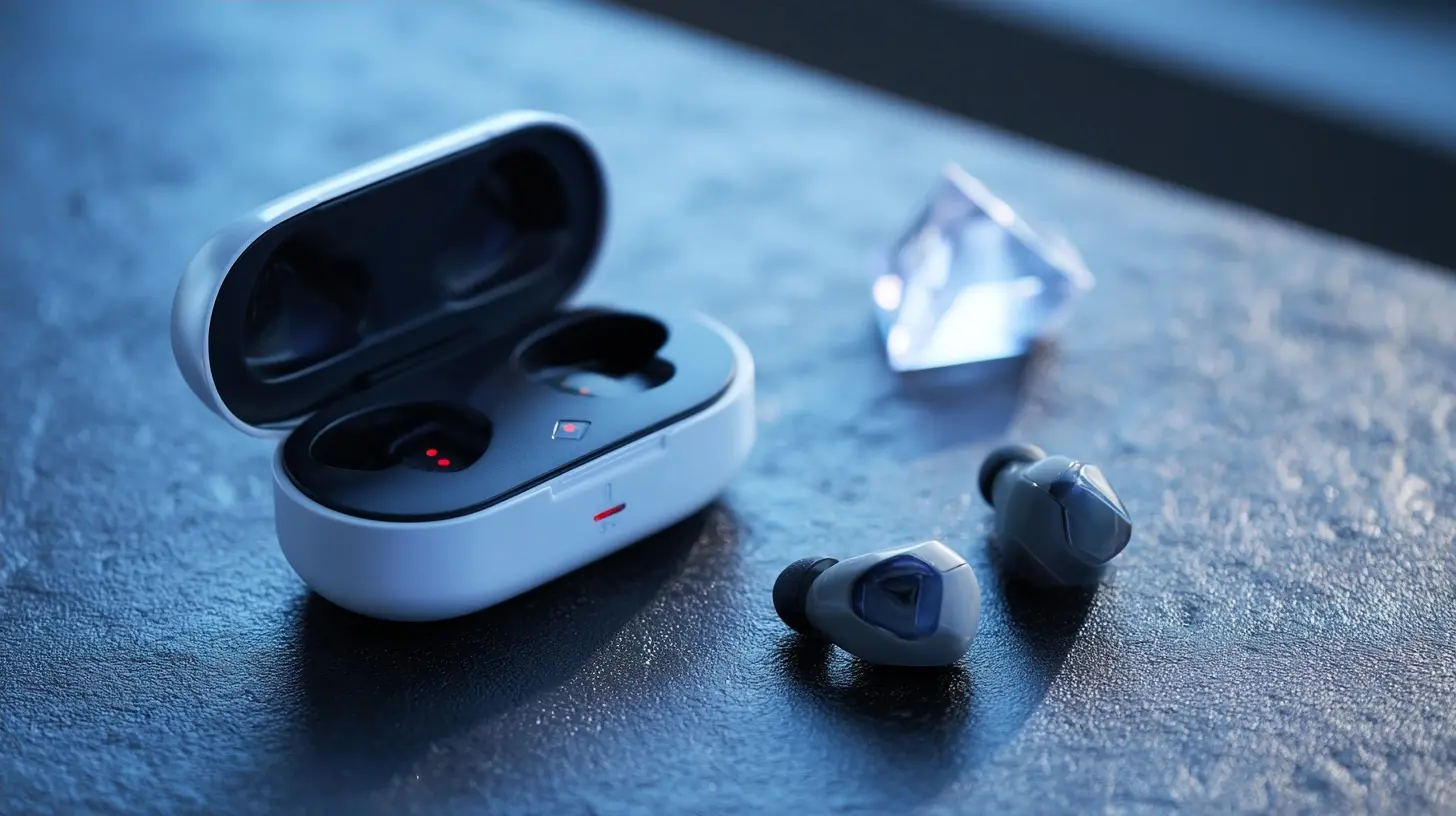
Real-World Testing: The 2027 Experience
Let us look at three distinct scenarios to illustrate how this plays out in practice.Scenario 1: The Competitive PC Gamer.
You are playing a tactical shooter like Valorant or Counter-Strike 2. You are using a pair of 2027 flagship earbuds with a USB-C dongle. The audio is crisp, and the positional audio is accurate. You hear an enemy approaching from the left. The sound is tied to the visual movement of their character model. There is no perceptible lag. You are able to react as quickly as you would with a wired headset. This is the ideal use case for the dongle. The earbuds are lighter than a bulky headset, and they do not trap heat around your ears during a long session. The only downside is that you need to remember to charge them, and the battery life is typically shorter than a dedicated gaming headset, often around 5-6 hours with the dongle active.
Scenario 2: The Mobile Battle Royale Player.
You are playing a battle royale on your smartphone. You have a pair of high-end earbuds that only support Bluetooth 6.0, no dongle. You are using the LC3 codec. The game is running at 120fps on your phone. You hear gunfire in the distance. There is a slight delay, but it is not terrible. The bigger issue is when you are in a close-quarters fight. You hear an enemy reloading, but the sound comes a fraction of a second after you see the animation. In a game where reaction time is measured in milliseconds, this is a handicap. You are not playing badly because of the earbuds, but you are not playing at your full potential. You would be better off using a wired pair of IEMs or a dedicated mobile gaming dongle.
Scenario 3: The Casual Console Gamer.
You are playing a story-driven game on a PlayStation or Xbox. You are using earbuds that support the console's proprietary wireless protocol (like Sony's PlayStation Link or a similar solution from Microsoft). These protocols are excellent. They are essentially dongle-based solutions built into the console hardware. The latency is low, and the connection is stable. This is a great experience. However, these earbuds are often locked to a specific ecosystem. You cannot use them with your PC or your Nintendo Switch without a separate dongle, which is often sold separately and is expensive.
The Hidden Variable: Audio Quality vs. Latency in Gaming
There is a persistent myth that you need high-fidelity, lossless audio to hear footsteps or directional cues. This is false. In gaming, the audio is synthesized. The game engine creates the sound of a footstep, and it is rendered in real-time. The bottleneck is not the audio file's bitrate; it is the processing time and the connection latency.A well-engineered game will send a positional audio cue with a specific frequency and amplitude. Even a low-bitrate SBC stream can convey that information clearly. The problem is not that the audio is compressed; it is that it is delayed. Therefore, when choosing earbuds for gaming, you should prioritize a low-latency connection over a high-fidelity codec. A pair of earbuds with aptX Adaptive and a 50ms latency will perform better in a game than a pair with aptX Lossless and a 120ms latency. The former will be more responsive, while the latter will sound slightly richer but feel laggy.
This is where many users make a mistake. They buy expensive earbuds that are marketed for their "Hi-Res Audio" certification, thinking it will improve their gaming. They are paying for a feature that is irrelevant to their use case and, in some cases, actively harmful because the high-fidelity codec requires a larger buffer.
The Future: The Rise of the Hybrid Connection
The most interesting development we are seeing in 2027 is the hybrid connection. This is where the earbuds maintain a standard Bluetooth connection to your phone for calls and notifications, but simultaneously use a proprietary low-latency link to your gaming device. This is complex to implement because it requires the earbuds to have two separate radio transceivers, which increases cost and power consumption.However, the benefit is significant. You can be in a Discord call on your PC using the low-latency dongle, and if your phone rings, you can answer it without switching the earbuds' input source. The audio from your PC game is paused, and the call audio takes over. This is a seamless experience that eliminates the need to physically unplug and replug a dongle.
The downside is that these hybrid earbuds are expensive, often costing as much as a mid-range console. They are also heavier and have slightly worse battery life due to the dual radios. For the average gamer, this is overkill. But for a streamer or a content creator who needs to manage multiple audio sources, this is a game-changer.
Practical Recommendations for 2027
Let us distill this into actionable advice. Before you buy, ask yourself three questions.1. What is my primary gaming platform?
If it is a PC or a home console, buy earbuds that come with a USB-C dongle. Do not rely on Bluetooth. Look for a dongle that supports a proprietary low-latency protocol. Check if the dongle is compatible with your specific console. Some dongles only work with PC and Android, not with PlayStation or Xbox.
2. Do I play competitive multiplayer games?
If you play shooters, fighting games, or MOBAs where timing is critical, you need a dongle. There is no way around this. Bluetooth, even the latest version, is not reliable enough for high-level competitive play. The 20-30ms latency from a dongle is the difference between reacting to a sound and predicting it.
3. Is portability more important than performance?
If you are a mobile gamer who plays on the go and you do not want to carry a dongle, then you have to accept a compromise. Look for earbuds that support the LC3 codec with a low-latency mode. This is the best you can do over a standard Bluetooth connection. It will be fine for casual gaming, but you will be at a disadvantage in competitive titles.
The Budget Trap
Do not buy cheap earbuds that claim "gaming mode" but do not include a dongle. This is a marketing gimmick. They are simply enabling a low-quality codec that cuts the buffer size, which often leads to audio stuttering and dropouts. A "gaming mode" on a Bluetooth-only earbud is just a way to make the audio less stable in exchange for a marginal latency reduction. It is not a real solution.A good rule of thumb is this: if the earbuds do not come with a dedicated low-latency dongle, they are not designed for serious gaming. They are designed for music listening with a gaming aesthetic. You are better off buying a cheap pair of wired IEMs for gaming and a separate pair of wireless earbuds for everything else.
The Verdict: Context is Everything
Wireless earbuds have finally become a legitimate option for gaming in 2027, but the technology is not a universal solution. The industry has split into two distinct camps: the dongle-based low-latency camp and the Bluetooth convenience camp. The former is for players who demand performance, while the latter is for players who value simplicity.The most significant mistake you can make is assuming that a high price tag guarantees low latency. The most significant mistake you can make is assuming that a high price tag guarantees low latency. You must read the specifications carefully, look for the presence of a proprietary dongle, and ignore the marketing hype about lossless audio. Your ears will thank you for the responsiveness, even if the audio is not technically perfect. In the world of gaming, timing is everything, and in 2027, you finally have the tools to control it.
all images in this post were generated using AI tools
Category:
Wireless EarbudsAuthor:

Adeline Taylor
Discussion
rate this article
1 comments
Vesperos Kline
Great insights on wireless earbuds for gaming. Latency issues are crucial to consider, especially as technology advances in 2027.
September 4, 2026 at 3:55 AM