How Future Tech Is Revolutionizing Home Security Systems
20 July 2026
Let me tell you something that might sting a little: your current home security system is probably dumb. Not dumb in the "it beeps when a window breaks" sense, but dumb in the "it cannot tell the difference between a burglar and a cardboard box blowing across your lawn" sense. That is changing fast, and the changes are not just incremental. They are structural.
I have spent the last fifteen years working with security infrastructure, from enterprise-grade access control to residential IoT. The shift we are seeing right now is not about adding more cameras. It is about replacing the entire logic of what a security system actually does. The old model was passive detection and alarm. The new model is predictive, adaptive, and borderline sentient. Let me walk you through what is actually happening, what works, what does not, and where you should be careful.
The Death of the Dumb Sensor
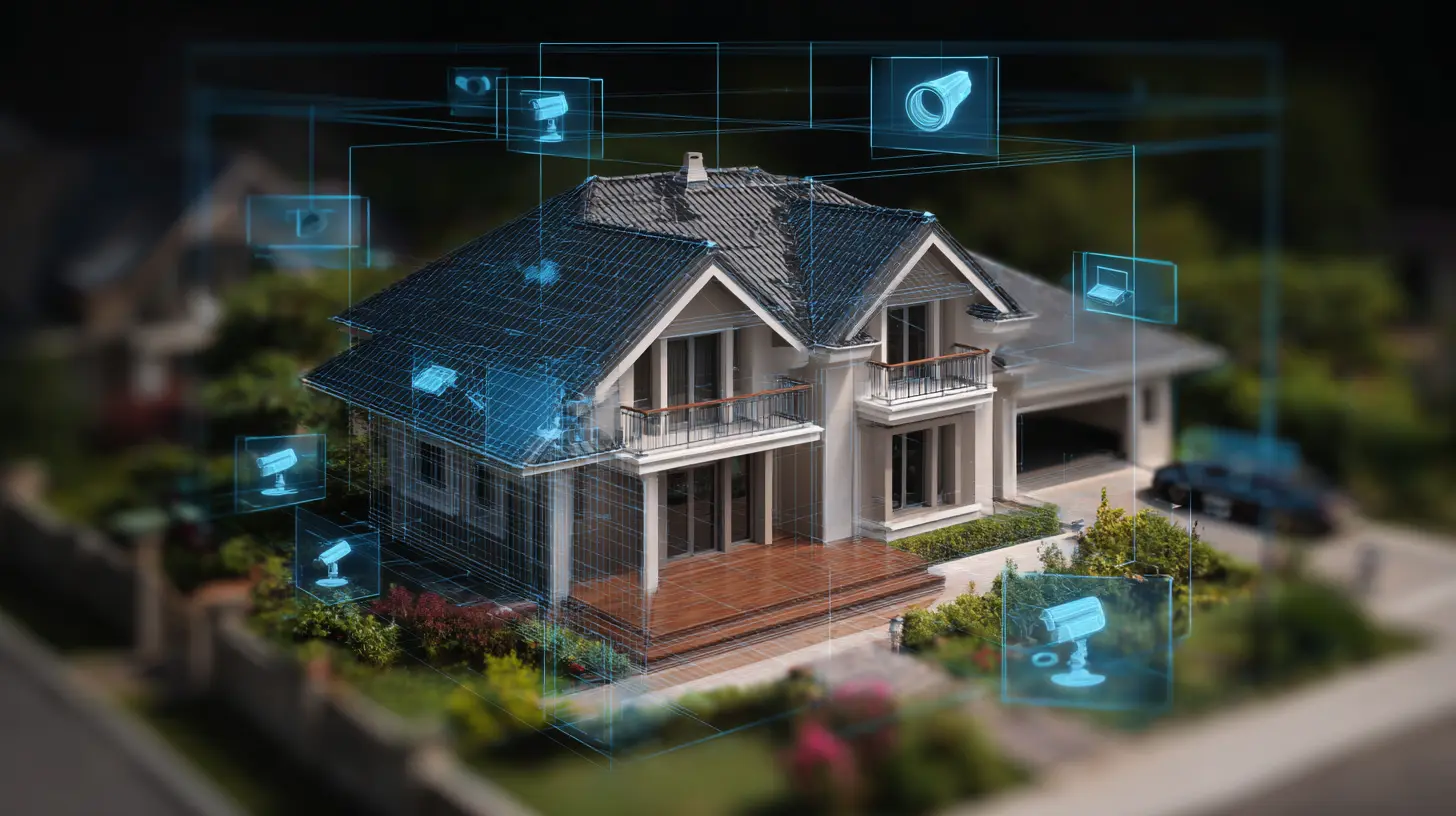
The classic magnetic door sensor is a marvel of simplicity. Two contacts, a magnet, a wire. When the door opens, the circuit breaks, and the alarm panel throws a fit. That technology has not changed significantly since the 1970s. And it is still useful. But it is also incredibly stupid. It cannot tell you if the door was opened by your kid coming home from school or by someone who just kicked the lock in. It just knows the door is open.Future tech replaces that dumb sensor with something that understands context. Modern systems use a combination of lidar, millimeter-wave radar, and computer vision to map not just whether a door opened, but who opened it, at what angle, with what force, and whether they were carrying anything. These sensors are cheap now. A lidar module that cost ten thousand dollars five years ago can be had for under fifty bucks. That changes everything.
The practical upshot is that a well-configured modern system can ignore the mailman, ignore the cat, ignore the tree branch scraping the window, and still raise hell if someone tries to jimmy the lock at 2 AM. False alarms drop by orders of magnitude. Police departments love this. Your neighbors love this. Your insurance company might even give you a discount.
Computer Vision That Actually Works
Here is where most people get burned. They buy a camera that says "AI-powered" on the box, stick it above the front door, and assume it is smart. It is not. Most consumer cameras use a very basic form of motion detection that triggers on pixel changes. A cloud passing in front of the sun sets it off. A dog walking down the sidewalk sets it off. Your own shadow sets it off. The result is a flood of useless notifications that you eventually ignore. That is called alert fatigue, and it is the single biggest reason home security systems fail in practice.Real computer vision for security is not about detecting motion. It is about classifying objects. The good systems use on-device neural networks that can distinguish between a human, a vehicle, an animal, and a piece of debris. They do this without sending video to the cloud, which is important for both privacy and latency. When a person walks up to your door, the system should know it is a person within milliseconds. When a squirrel runs across the porch, it should do nothing.
The best systems today also use facial recognition, but this is a double-edged sword. On one hand, it can let you know exactly which family member arrived home. On the other hand, it creates a permanent biometric log of everyone who approaches your house. That is a privacy risk you need to think about seriously. I personally recommend using facial recognition only for known individuals you explicitly enroll, and never for general passersby. The trade-off is convenience versus a record that could be subpoenaed or leaked.
Edge Processing versus Cloud Dependency
This is the technical battleground that most consumers do not even know exists. Old-school security systems were completely local. Wired sensors, a control panel in the basement, maybe a siren on the roof. They worked when the power was out and when the internet was down. Newer systems went all-in on the cloud. Everything gets processed on a remote server. That gives you nice features like remote viewing and smart alerts, but it also means your security system is useless if your internet goes down. And when do you think burglars tend to strike? When they know the internet is out.The smart compromise is edge processing with cloud backup. The camera or sensor processes video and decisions locally. It only sends alerts and short clips to the cloud. That way, even if the internet drops, the system still works. The siren still sounds. The lights still flash. The door lock still stays locked. When the internet comes back, it syncs the events.
I have seen too many people buy cloud-dependent systems and then act surprised when a fiber cut left them blind for three hours. If you are going to invest in a modern security system, make sure the critical functions are local. The cloud should be a convenience, not a crutch.

Smart Locks: Convenience versus Vulnerability
Smart locks are one of the most popular upgrades, and one of the most misunderstood. The technology is genuinely impressive. You can unlock your door with a fingerprint, a code, a phone app, or even a voice command. You can grant temporary access to a dog walker or a repair person and revoke it remotely. That is powerful.But here is the reality: a smart lock is still a mechanical lock with electronics bolted onto it. The weakest point is not the encryption. It is the physical installation. I have seen smart locks installed with screws that are too short, leaving the latch barely engaged. I have seen models that use a plastic gear inside that strips out after six months. I have seen locks that can be opened with a simple magnet because the manufacturer cheaped out on shielding.
Do not buy a smart lock based on app reviews alone. Look at the physical construction. Look for metal gears, reinforced strike plates, and a latch that actually throws deep into the frame. Also, understand that a smart lock is a network device. If your home Wi-Fi is compromised, someone could potentially unlock your door. That is why I always recommend using a separate IoT network for locks and cameras, isolated from your main network where your computers and phones live.
The best practice is to use a smart lock that supports both a physical key override and a mechanical keypad. The electronic part can fail. The battery can die. Having a physical key as a fallback is not a sign of weakness. It is a sign of good engineering.
The Role of Mesh Networks and Redundancy
A lot of people install a single security camera and call it done. That is like locking your front door but leaving every window open. A proper modern system uses a mesh of sensors that cover every entry point, every window, and every critical interior space. But mesh networks have their own quirks.The problem with wireless sensors is that they all compete for bandwidth. If you have twenty sensors all talking to the same hub, you can get collisions and dropped packets. A door sensor that fails to report because the network was busy is a door sensor that might as well not exist. The solution is to use a dedicated protocol like Z-Wave or Thread, which are designed for low-power, low-latency sensor communication. Do not use Wi-Fi for sensors. Wi-Fi is great for streaming video, but it is awful for the kind of reliable, low-bandwidth chatter that sensors need.
I also recommend having a cellular backup for the main hub. If someone cuts your cable line, your Wi-Fi goes dead, but the cellular modem still works. That keeps your system online and recording. Many modern hubs have this built in, but you need to check the fine print. Some require a paid subscription for cellular backup. That might be worth it. It depends on your risk tolerance.
Misconceptions About AI and False Alarms
There is a persistent myth that AI will eliminate all false alarms. That is not true, and anyone who tells you otherwise is selling something. AI reduces false alarms dramatically, but it introduces a new category of errors. A system that uses computer vision to classify objects can misclassify them. I have seen a system flag a garden gnome as an intruder. I have seen it miss a real person because they were wearing clothing that blended into the background. These are edge cases, but they happen.The key is to understand the confidence threshold. Most good systems let you adjust how certain the AI needs to be before it triggers an alarm. A high threshold means fewer false alarms but more missed detections. A low threshold catches everything but annoys you constantly. There is no perfect setting. You have to find the balance that works for your environment.
My advice is to start with the default settings and then watch the event log for a week. See what the system is catching and what it is missing. Adjust accordingly. This is not a set-it-and-forget-it thing. It requires tuning.
Privacy and the Surveillance State in Your Living Room
This is the uncomfortable part that most articles gloss over. Your home security system is a surveillance system. It is pointed at your own house, but that does not mean it is private. Every clip that gets uploaded to the cloud is stored on someone else's server. Every face that gets recognized creates a data point. Every time you ask your smart speaker to arm the system, that command is logged.You need to ask yourself who you trust with that data. Some companies are very clear about their privacy policies and allow you to store video locally on an SD card or a network video recorder. Others treat your footage as their asset and use it to train their AI models. Read the terms of service. If the company says they can use your footage for "product improvement," that means your family's comings and goings are being analyzed by engineers you will never meet.
I am not saying this is inherently evil. But you should know what you are signing up for. If privacy is a priority, look for systems that support local storage and on-device processing. They cost more upfront, but they give you control.
What the Next Five Years Look Like
We are heading toward systems that do not just detect threats but predict them. Imagine a camera that notices a person casing your neighbor's house and sends you a warning before anything happens. Imagine a lock that detects a picking attempt and automatically reinforces itself by engaging additional bolts. Imagine a system that learns your daily schedule so thoroughly that it can detect anomalies like someone entering the house at a time when you are never home.These are not science fiction. The technology exists. The challenge is making it affordable and reliable enough for mass adoption. We are probably two to three product cycles away from systems that are genuinely proactive rather than reactive. In the meantime, the smartest thing you can do is build a system that is local, redundant, and tuned to your specific environment.
Practical Recommendations
If you are building a system from scratch, start with the perimeter. Door and window sensors on every entry point. Then add one or two good cameras covering the most likely approach paths. Then add interior motion sensors in key areas like the hallway and the living room. Do not put a camera in the bedroom or the bathroom. That is creepy and unnecessary.Use a dedicated hub that supports Z-Wave or Thread. Avoid Wi-Fi for sensors. Get a cellular backup if you can afford it. Test the system weekly. Most people never test their security system until a real event happens, and that is when they discover the battery died or the sensor fell off.
Finally, do not rely entirely on technology. A good security system is a force multiplier, not a replacement for common sense. Lock your doors. Trim the bushes near windows. Get to know your neighbors. The best security system in the world is still a community that looks out for each other.
all images in this post were generated using AI tools
Category:
Technology ReviewsAuthor:

Adeline Taylor
Discussion
rate this article
1 comments
Marley McManus
Future tech is transforming home security, making it smarter and more efficient.
July 20, 2026 at 4:48 AM
Adeline Taylor
Absolutely, future tech is really changing the game in home security. It's exciting to see how innovations are enhancing safety and convenience for homeowners.