How to Improve Gaming Laptop Audio for an Immersive Experience
14 December 2025
When it comes to gaming, visuals often steal the spotlight. But let’s be honest, audio is just as crucial—if not more—when it comes to creating an immersive gaming experience. Imagine trying to sneak past enemies in a stealth game and missing the subtle sound of footsteps approaching from behind. Or, picture yourself in an intense boss fight, and the epic background music that drives your adrenaline is muffled and tinny. Yeah, not so fun, right?
Gaming laptops are more powerful than ever, but audio quality is often sidelined in favor of other hardware upgrades. Fortunately, there are plenty of ways to improve your gaming laptop's audio and ensure that every gunshot, every footstep, and every orchestral score is crystal clear and heart-thumping. So, if you’re ready to dive into a world where sound pulls you deeper into the game, let’s get started on how you can upgrade your laptop’s audio performance.
Why Audio Matters in Gaming
Before we dive into the how, let’s take a moment to talk about the why. Audio in gaming is more than just background noise. It's an integral part of the experience. Imagine playing a horror game and not being able to hear the eerie creaks of the floorboards or whispering voices. The tension would evaporate in an instant.Good audio can:
- Enhance immersion: It makes you feel part of the game world. You can hear raindrops, footsteps, and even the sound of wind, making the environment come alive.
- Improve your performance: In competitive games, hearing where enemies are coming from can give you a tactical advantage.
- Boost emotional impact: Whether it's the booming soundtrack of an epic battle or the soft melodies during a touching moment, audio can heighten the emotional engagement.
So, yeah, audio matters. Now, let’s get to the good stuff: how to level up your gaming laptop’s sound!
1. Adjust Your Laptop's Audio Settings
First things first, before you spend a dime on fancy hardware or software, let’s optimize what you already have.Sound Enhancements in Windows
If you’re running Windows on your gaming laptop, there are built-in sound enhancement features you might not know about. These settings might be disabled by default, but tweaking them can drastically improve your audio.- Go to "Sound Settings" by right-clicking the speaker icon on your taskbar.
- Select your playback device (usually your laptop’s speakers or your headphones), then click "Properties."
- Under the "Enhancements" tab, you’ll find options like Bass Boost, Virtual Surround, and Loudness Equalization.
- Depending on your preferences, you can experiment with these settings to see what makes your audio pop.
Volume Mixer
Another simple but often overlooked tool is the Volume Mixer. You can adjust the individual volume levels of games, apps, and system sounds. This helps if your game sound is too quiet compared to other apps like Discord or Spotify.Equalizer Settings
If your laptop comes with an audio driver software like Realtek or Dolby, there’s a good chance it includes an equalizer (EQ). With an EQ, you can tweak frequency bands like bass, mids, and treble to suit your liking. For a booming explosion sound, crank up the bass. For clearer voices, enhance the mids.
2. Invest in Quality Headphones or Headsets
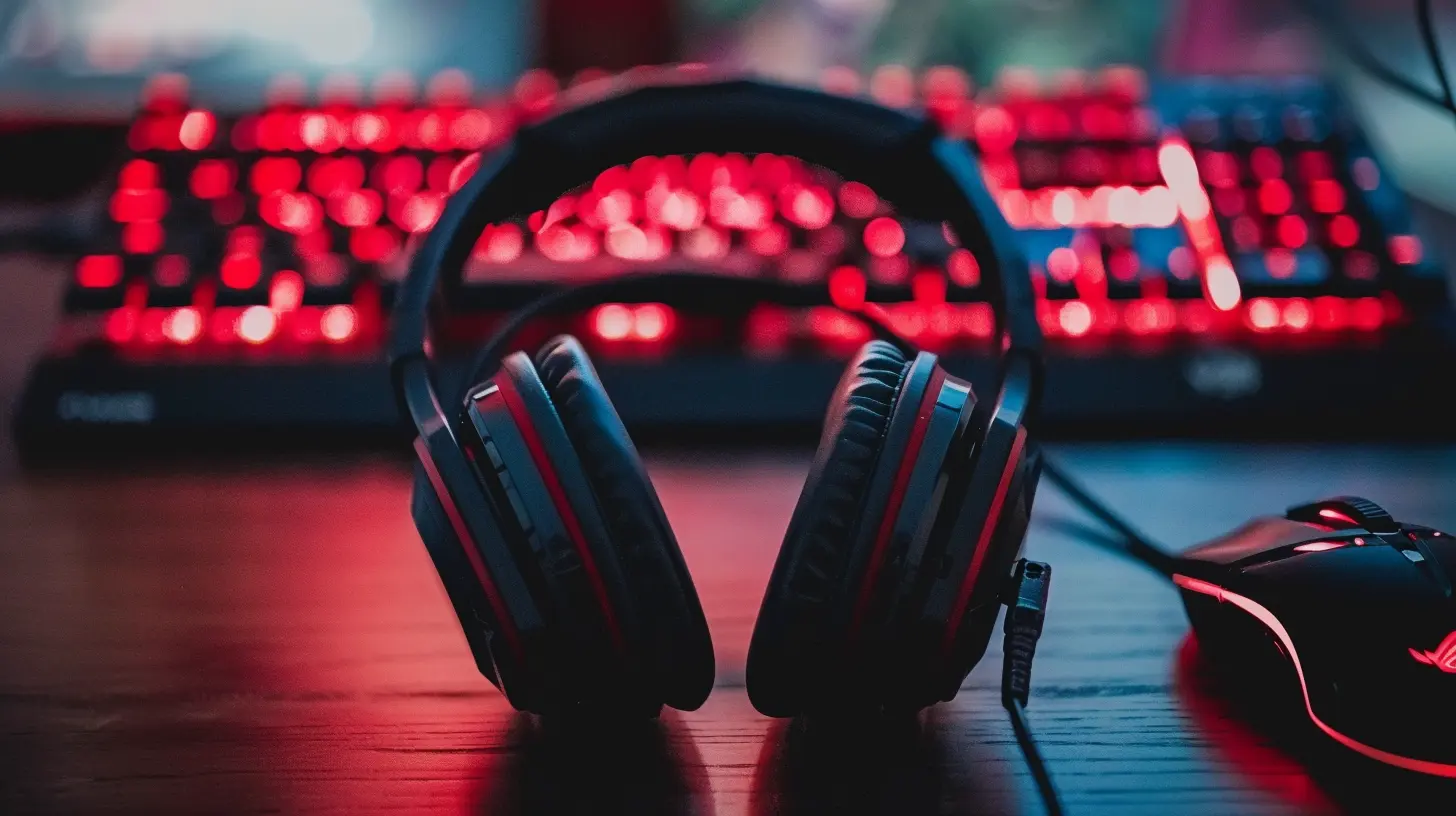
If your gaming laptop’s built-in speakers aren’t cutting it (and let’s be real, they rarely do), a good pair of headphones or a gaming headset can make a world of difference. Not only will they improve the sound quality, but they can also offer features like surround sound, noise-cancellation, and built-in microphones.Why Headphones Are Better Than Laptop Speakers
- Directional audio: In competitive games, you can hear where sounds are coming from, helping you locate enemies more easily.- Noise isolation: Headphones block out ambient noise, so you can focus solely on the game.
- Bass and clarity: Speakers in laptops are often small, which limits bass response. Headphones, on the other hand, are designed to deliver a full range of sound frequencies.
Wired vs. Wireless
If you’re wondering whether to go wired or wireless, here’s the lowdown:- Wired headphones typically offer better sound quality and no latency, which is crucial for fast-paced gaming.
- Wireless headsets provide more freedom of movement, but they can sometimes suffer from slight latency or connection issues. However, newer Bluetooth technologies have minimized this drawback.
Ultimately, it comes down to your personal preference and budget, but either option will be a massive upgrade from your laptop’s speakers.
3. Use External Speakers for a Cinematic Experience
Not a fan of wearing headphones for long gaming sessions? No problem. You can opt for external speakers. While they might not offer the pinpoint precision that headphones do, a good speaker setup can turn your gaming experience into something truly cinematic.2.1 vs. 5.1 Surround Sound Systems
- 2.1 speaker systems come with two speakers and a subwoofer, offering a balanced audio experience with solid bass.- 5.1 surround sound systems take it up a notch. With multiple speakers positioned around you, you'll feel like you're right in the middle of the action. Imagine hearing an explosion not just in front of you but all around you. That’s immersion.
Portable Bluetooth Speakers
If you’re short on space or prefer something portable, Bluetooth speakers can be a good compromise. While they won’t offer the same depth as a full surround sound system, high-quality Bluetooth speakers can still provide clear and robust sound.4. Try a USB DAC or Sound Card
If you're looking to take your sound to the next level, consider investing in a USB DAC (Digital-to-Analog Converter) or an external sound card. These devices bypass your laptop’s built-in sound processing, which is often sub-par, and replace it with higher-quality audio processing.What’s a DAC and Why Do You Need One?
In simple terms, a DAC converts digital audio signals into analog sound that your headphones or speakers can play. Most laptops come with built-in DACs, but they aren’t always the best quality. A dedicated USB DAC can drastically improve clarity, depth, and overall sound quality.External Sound Cards
An external sound card is similar to a DAC but offers additional features like surround sound processing, EQ controls, and multiple audio inputs and outputs. These are especially useful if you’re using high-end gaming headsets or connecting your laptop to a home theater system.
5. Use Audio Enhancement Software
If you’re not ready to invest in hardware, software can still make a significant difference. There are several audio enhancement programs that can tweak your sound settings for better clarity, depth, and bass.Popular Audio Enhancement Tools
- Equalizer APO: This is a free, open-source equalizer for Windows that lets you fine-tune your audio with a wide range of filters.- Dolby Atmos: This software provides virtual surround sound, even with stereo headphones. It creates a sense of spatial audio, making it feel like sounds are coming from all directions.
- Boom 3D: This is a paid software that offers 3D surround sound and a variety of EQ presets. It’s particularly popular for gaming, as it enhances both bass and clarity.
Most of these programs offer free trials, so you can test them out and see which one makes the most difference for your specific setup.
6. Optimize In-Game Audio Settings
Don’t forget about in-game audio settings! Many modern games offer a variety of sound options that can be customized to improve your gaming experience.Surround Sound Settings
If you're using a headset with surround sound or a speaker system, make sure to enable any surround sound options in the game’s audio settings. This can help you better locate sounds like enemy footsteps or environmental cues.Adjust Audio Priorities
Some games allow you to prioritize certain sounds, like dialogue or sound effects, over others. This can be particularly useful in multiplayer games where you need to hear voice chat clearly over the chaotic sounds of combat.Subtle Adjustments
Don’t be afraid to play around with audio sliders for music, sound effects, and dialogue until you find the perfect balance. Some games have audio presets like “cinematic” or “dynamic,” which are optimized for an immersive experience.
7. Regularly Update Your Audio Drivers
Finally, one of the simplest yet most effective tips is to ensure your audio drivers are up to date. Outdated drivers can cause poor sound quality, audio dropouts, or even hardware malfunctions.To check for updates:
- Go to Device Manager on your laptop.
- Find your audio device (it might be listed as Realtek, Intel, or another brand).
- Right-click and select Update driver.
It’s also worth visiting your laptop manufacturer’s website to download the latest audio drivers directly, as Windows might not always have the most recent versions.
Final Thoughts
Improving your gaming laptop’s audio doesn’t have to be a daunting task. Whether you’re adjusting your settings, investing in new hardware, or using enhancement software, there are plenty of ways to take your audio from “meh” to “wow.” And trust me, once you’ve experienced immersive sound, there’s no going back. Whether you’re dodging enemy fire in a first-person shooter or soaking in the atmosphere in an open-world RPG, great audio will pull you deeper into the game than ever before.So, what are you waiting for? Time to level up your sound and get fully immersed in your next gaming adventure!
all images in this post were generated using AI tools
Category:
Gaming LaptopsAuthor:

Adeline Taylor
Discussion
rate this article
2 comments
Soraya Thompson
Great tips! Upgrading drivers and using high-quality headphones can significantly enhance audio quality. Additionally, exploring external sound cards and optimizing in-game audio settings are excellent ways to achieve that immersive gaming experience. Looking forward to trying these suggestions!
December 15, 2025 at 8:50 PM
Adeline Taylor
Thank you for your feedback! I'm glad you found the tips helpful. Enjoy your enhanced gaming experience!
Julian Harmon
Great insights on enhancing laptop audio! It’s amazing how much sound quality can elevate the gaming experience. Thank you for sharing these valuable tips!
December 15, 2025 at 4:10 AM
Adeline Taylor
Thanks for your kind words! I'm glad you found the tips helpful for boosting your gaming audio experience. Enjoy the game!