Maximizing Productivity with Wireless Keyboards: A Comprehensive Guide
11 September 2025
Ah, the wireless keyboard. That glorious slab of plastic and keycaps that frees us from the tyranny of tangled cords and restricted desk space. It’s 2024, folks—we’ve got flying drones, AI that writes poetry, and smart fridges that bully us about our snack choices. So why are people still stuck typing on keyboards tethered to their desks like it's 1998?
If you're chasing productivity like a cat chasing a laser pointer, you're in the right place. In this comprehensive (and mildly hilarious) guide, we're breaking down everything you need to know about maximizing productivity with wireless keyboards. We'll talk about freedom (cue the Braveheart music), ergonomics, battery life, Bluetooth battles, and why your desk setup might just be the unsung hero of your work-from-home empire.
So, grab your favorite beverage, sit back (preferably in an ergonomically approved chair), and let's get type-happy.
Table of Contents
1. Wireless Keyboards: More Than Just Cord-Cutting2. Types of Wireless Keyboards (Spoiler: It’s Not Just “One Fits All”)
3. The Productivity Payoff: How the Right Keyboard Supercharges Your Workflow
4. Bluetooth vs. USB Dongles: The Great Debate
5. Battery Life: The Unsung Hero of Wireless Performance
6. Ergonomics Matter—Unless You Love Wrist Pain
7. Multi-Device Magic—Because You’re Juggling More Than Just Coffee Cups
8. Let's Talk Latency (Spoiler: You Want Less of It)
9. Cool Features You Didn't Know You Needed
10. Tips to Maximize Productivity with Your Wireless Keyboard
11. Final Thoughts: Is It Time To Break Up With Your Old Keyboard?

1. Wireless Keyboards: More Than Just Cord-Cutting
Let’s kick things off with a reality check. Wireless keyboards aren’t just trendy gadgets that say, “Hey, I’m tech-savvy and maybe drink too much artisan coffee.” They’re functional, sleek productivity boosters that eliminate clutter and give you the freedom to work from anywhere—even the sofa (although your chiropractor wouldn’t recommend it).With no cables to wrestle, you reclaim not only desk space but also your sanity. It's like decluttering your kitchen junk drawer—suddenly, everything feels more Zen.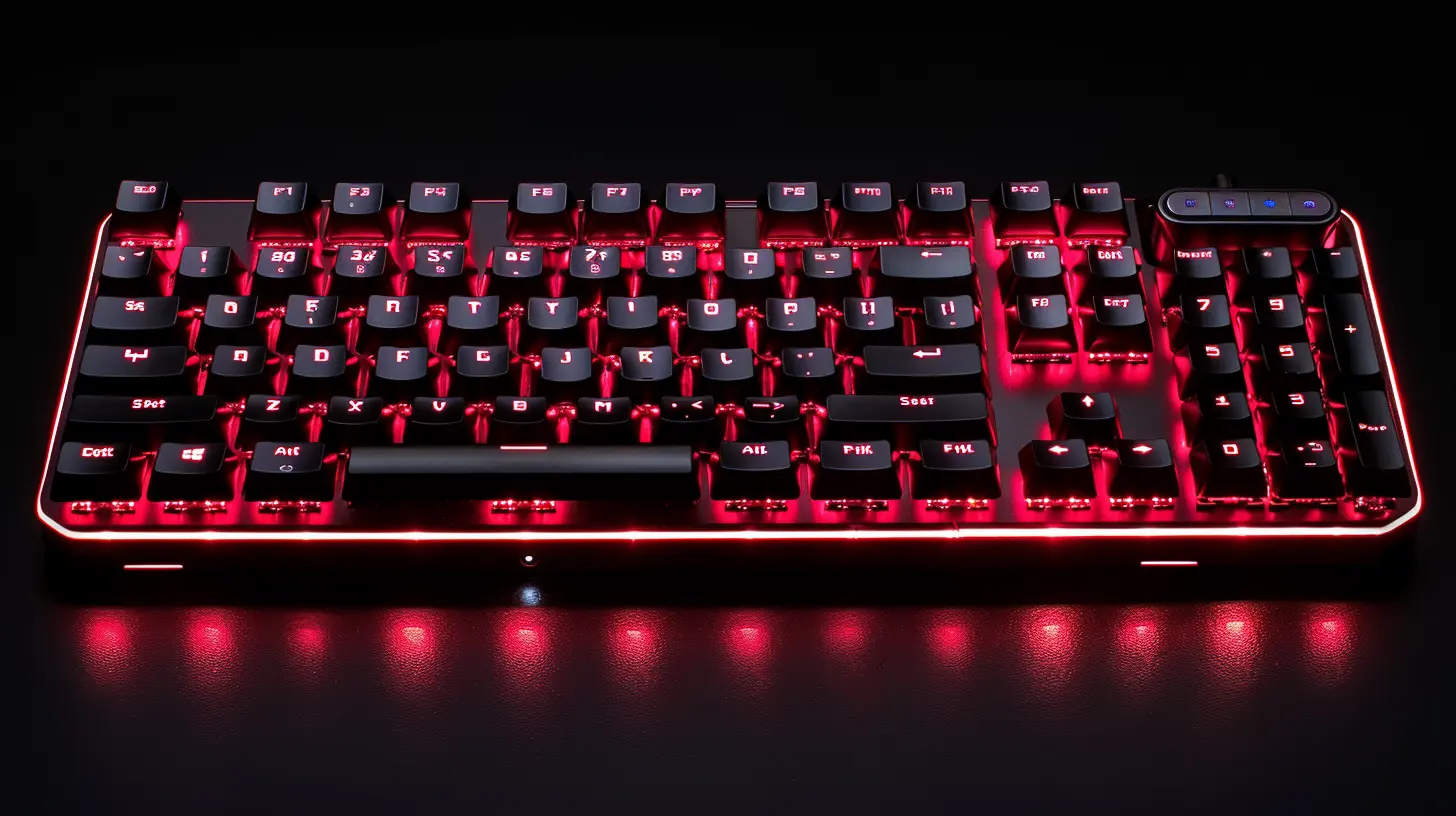
2. Types of Wireless Keyboards
Hold onto your Ctrl key—wireless keyboards come in various flavors, and choosing the wrong one can tank your productivity faster than a Windows update during a Zoom call.✅ Standard Wireless Keyboards
These are your bread-and-butter setups. No bells, no whistles, just your good ol’ keyboard, minus the leash.✅ Mechanical Wireless Keyboards
Click-clack with no cord attached. Perfect for the tactile enthusiast who types like they’re hacking into the mainframe in an action movie.✅ Ergonomic Wireless Keyboards
Split designs, curved layouts, and more wrist support than a yoga mat. Save your hands. They type all day; they deserve better.✅ Compact or 60% Wireless Keyboards
Minimalists unite! Smaller form factors trimmed of numpads and function rows, ideal for tight spaces or people who just love an aesthetic.✅ Solar-Powered Wireless Keyboards
No more battery anxiety—just let the sun charge it up. Mother Nature meets tech convenience. 🌞
3. The Productivity Payoff
Here's the million-dollar question: can a wireless keyboard actually make you more productive? The answer is a resounding “Heck yes!” and here’s why.Imagine this: You’re mid-flow, typing like Shakespeare chugged an espresso, when suddenly, your cable yanks the keyboard slightly. There’s a ripple in the Matrix. You're distracted.
Wireless keyboards eliminate those micro-annoyances. You can reposition them effortlessly, whether you're switching from email mode to spreadsheet command center. Less friction = more flow = productivity bump.
It's like having fewer potholes on the road when you're trying to speed through your to-do list.
4. Bluetooth vs. USB Dongles: The Great Debate
Tech throwdown incoming! Choosing between Bluetooth and USB dongles is like choosing between peanut butter and jelly—each has its place.💡 USB Dongle Pros:
- Faster pairing- Lower latency
- Ideal for PCs and laptops with extra USB ports
💡 Bluetooth Pros:
- No need to sacrifice a USB port- Can pair with multiple devices
- Works well with tablets and smartphones
⚠️ Watch Out:
- Bluetooth can be finicky, especially when your mouse and keyboard start fighting over connection priority like toddlers over a toy.Pro Tip: Some keyboards offer both modes. Flexibility = happiness.
5. Battery Life: The Unsung Hero of Wireless Performance
Battery life is the silent MVP. Whether it’s AA batteries or rechargeable lithium-ion packs, nobody wants their keyboard to die mid-sentence (or worse, mid-email to your boss).Look for:
- Rechargeable keyboards with USB-C charging (because it’s 2024, duh)
- Auto-sleep features to conserve power
- Low battery indicators, because no one likes guesswork
Bonus: Some keyboards boast battery lives measured in months. Yes, months. That’s longer than most avocado lifespans.
6. Ergonomics Matter—Unless You Love Wrist Pain
Friends don’t let friends develop carpal tunnel. If you’re typing all day, every day, your hands, wrists, and back are in a long-term relationship with your keyboard. Make it a healthy one.Look for:
- Split keyboard designs—your hands don’t need to be roommates.
- Tented layouts—tilted to reduce wrist twist.
- Palm rests—let your palms chill.
Ergonomic keyboards are the yoga instructors of the typing world: weird-looking, a little intimidating, but life-changing.
7. Multi-Device Magic—Because You’re Juggling More Than Just Coffee Cups
If you're like me, you've got a work laptop, a phone, maybe a tablet, your side hustle laptop, and possibly a secret Raspberry Pi project. (No judgment.)Multi-device wireless keyboards let you pair with multiple devices and switch between them with a single click or key combo. It’s like keyboard teleportation for your digital life.
No more digging through settings for Bluetooth pairing. Just boop—jump to the next device.
8. Let's Talk Latency (Spoiler: You Want Less of It)
Latency is the delay between pressing a key and seeing the result on screen. In wireless keyboards, a little latency is expected, but too much? That’s rage-quit territory.Gaming keypads get picky here, and for good reason. Look for:
- Low-latency Bluetooth (Bluetooth 5.0 or later)
- Mechanical switches with fast response
- USB dongles with sub-1ms response times
Short version: You want snappy, not sluggish.
9. Cool Features You Didn't Know You Needed
Welcome to the bonus round! Wireless keyboards have gotten smarter over the years. Some of these features are just plain nifty:- Backlit keys – Typing in the dark like a ninja.
- Programmable keys – Quick access to your most-used shortcuts: Zoom mute, Spotify play, send memes, you name it.
- Integrated touchpads – Great for minimalists who say “Mouse? Never heard of her.”
- Foldable designs – Type on the go without lugging a suitcase.
And yes, some look like they belong in a spaceship. Style points count, right?
10. Tips to Maximize Your Productivity
Alright, now to the good stuff. Here’s your shortcut to peak productivity with your shiny new wireless keyboard:✅ 1. Keep It Charged
Seems obvious, but you'd be surprised. Regularly plug in or swap batteries.✅ 2. Customize Your Shortcuts
Many wireless keyboards come with configurable keys. Spend a few minutes customizing—save hours later.✅ 3. Position It Right
Keep it at elbow height. Don’t hunch. Your spine will thank you. Bonus: Use a laptop riser or monitor stand for better ergonomics.✅ 4. Pair With the Right Mouse
A great keyboard deserves a worthy sidekick. Ditch that tiny travel mouse for something ergonomic and full-sized.✅ 5. Clean That Thing!
Your keyboard is a germ magnet. Give it a wipe down once a week. Especially if you snack while typing (you know who you are).11. Final Thoughts: Is It Time To Break Up With Your Old Keyboard?
So, my fellow tech aficionados—if your current keyboard looks like it fought in the Great War or has keys sticking like old peanut butter, it might be time for an upgrade.Wireless keyboards have evolved far beyond just cutting the cords. With the right setup, you’re not just typing—you’re gliding through your tasks like a productivity ninja.
And let’s be honest—once you’ve gone wireless, there’s no going back. Unless of course, you want to live in cable chaos. (We won't judge. Much.)
Happy typing!
all images in this post were generated using AI tools
Category:
Computer PeripheralsAuthor:

Adeline Taylor
Discussion
rate this article
2 comments
Zander McVicar
Wireless keyboards enhance productivity by offering flexibility and reducing clutter. Their portability and ergonomic designs cater to diverse work environments, making typing comfortable and efficient. Embracing this technology can significantly streamline workflows and improve overall performance.
March 22, 2026 at 1:36 PM
Adeline Taylor
Absolutely, wireless keyboards are game changers. They not only reduce clutter but also adapt to various settings, making work more comfortable and efficient. Great points!
Bridget Bryant
How do wireless keyboards enhance productivity beyond traditional models?
October 6, 2025 at 1:03 PM
Adeline Taylor
Wireless keyboards enhance productivity by providing greater mobility and flexibility, reducing cable clutter, and enabling a more ergonomic workspace, allowing users to type comfortably from various positions.