The Privacy-First Browser Setup You Need in 2027
2 October 2026
In an age where online privacy has become paramount, setting up a privacy-first browser is essential. By 2027, the landscape of digital privacy will continue to evolve, making it crucial for users to adopt effective strategies to protect their data. This article provides a comprehensive guide to creating a browser setup that prioritizes your privacy, detailing key tools, settings, and practices to consider.
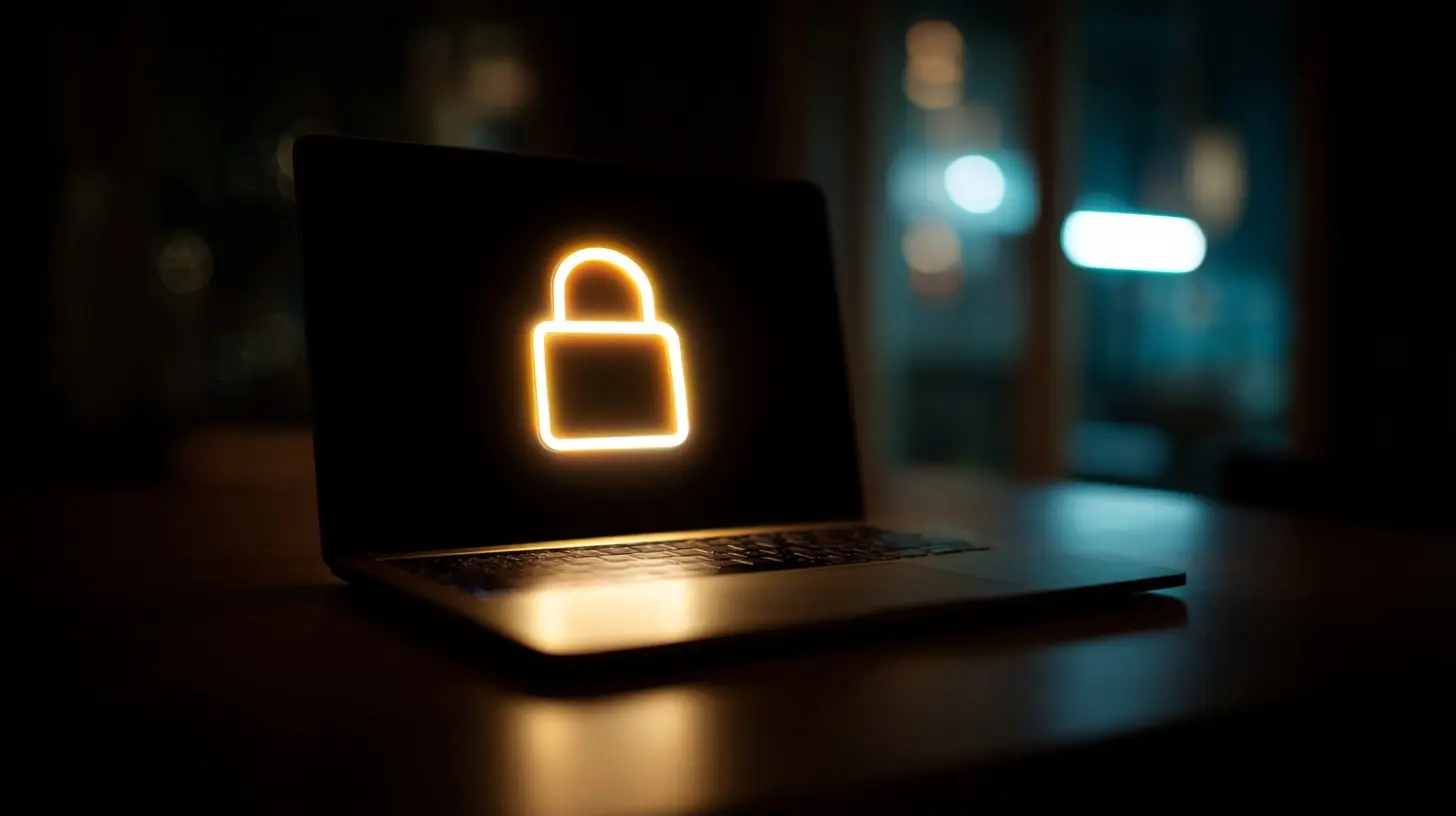
Understanding the Importance of Privacy in Browsing
Before delving into the specifics of browser setup, it is important to understand why privacy matters in the first place. Each time you go online, you leave behind a digital trail that can be tracked, monetized, and exploited. This information can be used not just for targeted advertising, but also for identity theft and other malicious activities.In 2027, as data breaches and cyber threats continue to rise, the importance of protecting your privacy will only increase. A privacy-first approach helps you regain control over your online presence and reduces the likelihood of your personal information being misused.
Common Misconceptions About Online Privacy
1. "I have nothing to hide": This common phrase underestimates the risks associated with data collection and sharing. Everyone has personal information that could be misused, regardless of whether they feel they have something to hide.2. "Privacy tools are too complicated": While it may seem daunting, many privacy tools are user-friendly and designed with the average user in mind. The key is to start small and gradually incorporate more tools.
3. "Social media is safe with privacy settings": Relying solely on social media privacy settings is insufficient. Data leaks and changes in policies can undermine these settings, making additional precautions necessary.

Choosing the Right Browser
The first step in your privacy-first setup is selecting a browser that aligns with your privacy goals. Here are several options to consider, each with its own strengths and weaknesses.1. Firefox
Pros: Firefox is open-source, meaning its code can be audited for security vulnerabilities. It offers robust privacy features such as Enhanced Tracking Protection, which blocks trackers by default.Cons: While Firefox is highly customizable, users may need to invest time in fine-tuning settings for optimal privacy.
2. Brave
Pros: Brave is built from the ground up with privacy in mind. It blocks ads and trackers automatically and offers a built-in Tor option for anonymous browsing.Cons: Brave's unique monetization model, which rewards users with cryptocurrency for viewing ads, may not appeal to everyone.
3. Tor Browser
Pros: Tor provides the highest level of anonymity by routing your traffic through multiple servers. It is ideal for users needing strong privacy protections, such as journalists and activists.Cons: The Tor network can be slow, and some websites may restrict access to Tor users, presenting usability challenges.
4. Chromium-based Browsers
Browsers like Chrome or Edge have extensive extensions available but may not prioritize privacy. They collect user data to enhance their services, raising concerns.Pros: Fast performance and a vast library of extensions.
Cons: Data collection practices can compromise privacy.

Essential Privacy Settings
Once you have chosen a browser, configuring its settings is critical. Below are essential adjustments to enhance privacy.Disable Third-Party Cookies
Most browsers allow you to block third-party cookies, which are often used for tracking purposes. In your browser's privacy settings, look for options related to cookies and disable third-party ones.Enable Do Not Track
While not all websites honor the Do Not Track request, enabling this feature can deter some tracking. It's worth activating this option in your browser's settings.Adjust Search Engine Settings
The default search engine may track your queries. Consider switching to a privacy-focused search engine like DuckDuckGo or StartPage that does not collect personal data.
Utilizing Privacy Extensions
Browser extensions can significantly enhance your privacy. Here are several must-have extensions to consider:1. uBlock Origin
uBlock Origin is a powerful ad blocker that helps prevent intrusive ads and trackers from loading, improving browsing speed and privacy.2. HTTPS Everywhere
This extension automatically redirects you to the HTTPS version of websites, ensuring your connection is encrypted wherever possible.3. Privacy Badger
Developed by the Electronic Frontier Foundation, Privacy Badger learns to block trackers based on their behavior, offering a dynamic approach to privacy.4. NoScript
For advanced users, NoScript allows you to control which scripts run on your browser, providing granular control over what content is loaded.5. Cookie AutoDelete
This extension automatically deletes cookies from sites you aren't currently visiting, minimizing persistent tracking.Consider a Virtual Private Network (VPN)
While browser settings and extensions improve privacy, using a VPN adds an extra layer of security. A VPN encrypts your internet connection, making it difficult for third parties to monitor your online activities.Choosing a VPN Provider
When selecting a VPN, look for these features:- No-logs policy: Ensure that the VPN provider does not keep logs of user activity.
- Strong encryption: Look for industry-standard protocols like OpenVPN or WireGuard.
- Global server locations: A wide array of servers can improve performance and provide more options for accessing content.
Trade-offs of Using a VPN
While a VPN enhances privacy, it can slow down your internet speed. not all VPNs are created equal; free ones may sell your data or have inadequate security.
Secure Your Accounts with Password Management
Using unique, complex passwords for each of your online accounts is vital for maintaining privacy. Consider adopting a password manager to help manage your credentials securely.Recommended Password Managers
1. Bitwarden: Open-source and offers both free and premium options with strong encryption.2. 1Password: User-friendly interface and robust security features, although it requires a subscription.
3. LastPass: Offers a free tier, but be mindful of its limitations compared to paid options.
Educate Yourself on Phishing and Scams
Even the most secure setup can be compromised by human error. Educating yourself about phishing tactics can help you avoid falling victim to scams. Here are some common signs:- Unexpected emails: Be wary of emails from unknown senders, especially if they contain links or attachments.
- Urgent language: Scammers often create a sense of urgency to prompt quick action. Always take a moment to verify the sender.
- Generic greetings: Legitimate companies usually address you by name. Generic greetings can be a red flag.
Regularly Update Your Browser and Extensions
Keeping your browser and extensions up to date is essential for security and privacy. Developers frequently release updates to fix vulnerabilities, so enable automatic updates whenever possible.Why Updates Matter
Outdated software can introduce security risks, making it easier for malicious actors to exploit vulnerabilities. Regular updates mitigate this risk and ensure you have access to the latest privacy features.Review Your Digital Footprint
Taking stock of your digital footprint can help you identify areas where you may need to improve your privacy. Search for your name online and review the information that appears.Steps to Manage Your Digital Footprint
1. Delete unused accounts: If you no longer use an account, delete it to remove your data from that platform.2. Adjust privacy settings: Review the privacy settings on social media and other platforms to control who can see your information.
3. Request data removal: Some companies allow you to request that they delete your data. Familiarize yourself with these processes for platforms you use.
Common Mistakes to Avoid
As you set up your privacy-first browser, be aware of these common pitfalls:1. Neglecting mobile privacy: Mobile devices are often overlooked in privacy setups. Ensure you apply similar privacy practices on your mobile browser.
2. Using weak passwords: Avoid simple passwords and consider using a password manager to generate and store complex ones.
3. Ignoring privacy policies: Take the time to read privacy policies for the services you use. Understanding how your data is handled is crucial.
4. Underestimating social engineering: Be cautious of sharing personal information, even on seemingly secure platforms.
The Future of Privacy and Browsing
As technology evolves, so too will the methods for protecting privacy. In 2027, we can expect advancements in encryption technologies and more user-friendly privacy tools. However, users must remain vigilant and proactive in their approach to privacy.The Role of Legislation
Legislation will play a significant role in shaping privacy practices. As more governments recognize the importance of data protection, we may see stricter regulations that require companies to be more transparent about data usage.Growing Awareness and Adoption
With increasing awareness of privacy issues, users are more likely to adopt privacy-first practices. This shift may drive innovation in privacy technologies and create a more secure online environment.
Conclusion
Setting up a privacy-first browser in 2027 is not just a trend; it is a necessity. By choosing the right browser, adjusting essential settings, utilizing privacy tools, and educating yourself about risks, you can significantly enhance your online privacy.Adopting a thoughtful approach to your digital habits will empower you to navigate the internet more securely, allowing you to enjoy its benefits without sacrificing your privacy.
all images in this post were generated using AI tools
Category:
Digital PrivacyAuthor:

Adeline Taylor