Understanding Gaming Laptop Specs: What Really Matters?
22 December 2025
Let’s be real — buying a gaming laptop can feel like walking into a tech jungle. Everywhere you look, you’re hit with flashy jargon: “RTX 4070 Ti!”, “144Hz refresh rate!”, “Liquid Metal Cooling!”. Cool? Sure. Confusing? Absolutely.
But guess what? It doesn’t have to be confusing. You don’t need a degree in computer engineering to figure out what gaming laptop specs actually matter. You just need someone to break it down for you — no fluff, no filler, just the real stuff.
So, buckle up, gamer! We're diving deep into the world of gaming laptop specs, and we’re going to cut through the noise to find out what really deserves your attention (and your money).
Why Specs Matter in the First Place
Before we start throwing around terms like GPU and SSD, let’s answer a basic question: why do specs matter?Simple. The performance of your gaming laptop — from frame rates to graphics quality to how quickly it loads — hinges on the specs under the hood. Think of your laptop as a high-performance sports car. Specs are your engine, your tires, your transmission, and your exhaust system. You could have the sleekest looking machine on the outside, but if the internals suck, it’s a whole lotta show and no go.
CPU (Processor): The Brain Behind the Game
If the laptop were a body, the CPU would be the brain — it thinks, it processes, and it makes things happen.What to Look For:
- Intel Core i7 or i9 (11th gen or newer)- AMD Ryzen 7 or 9 (5000 series or newer)
- At least 6 cores, but 8 or more is ideal for modern gaming
The CPU doesn’t handle graphics — that’s your GPU’s job — but it’s what keeps your gameplay smooth, especially in CPU-heavy games like Total War or Microsoft Flight Simulator. If your CPU is a slacker, even the best GPU in the world won’t save you.
💡 Pro tip: If you’re just gaming, don’t go nuts with the top-tier i9s unless you’ve got cash to burn. A solid i7 or Ryzen 7 will crush 99% of games.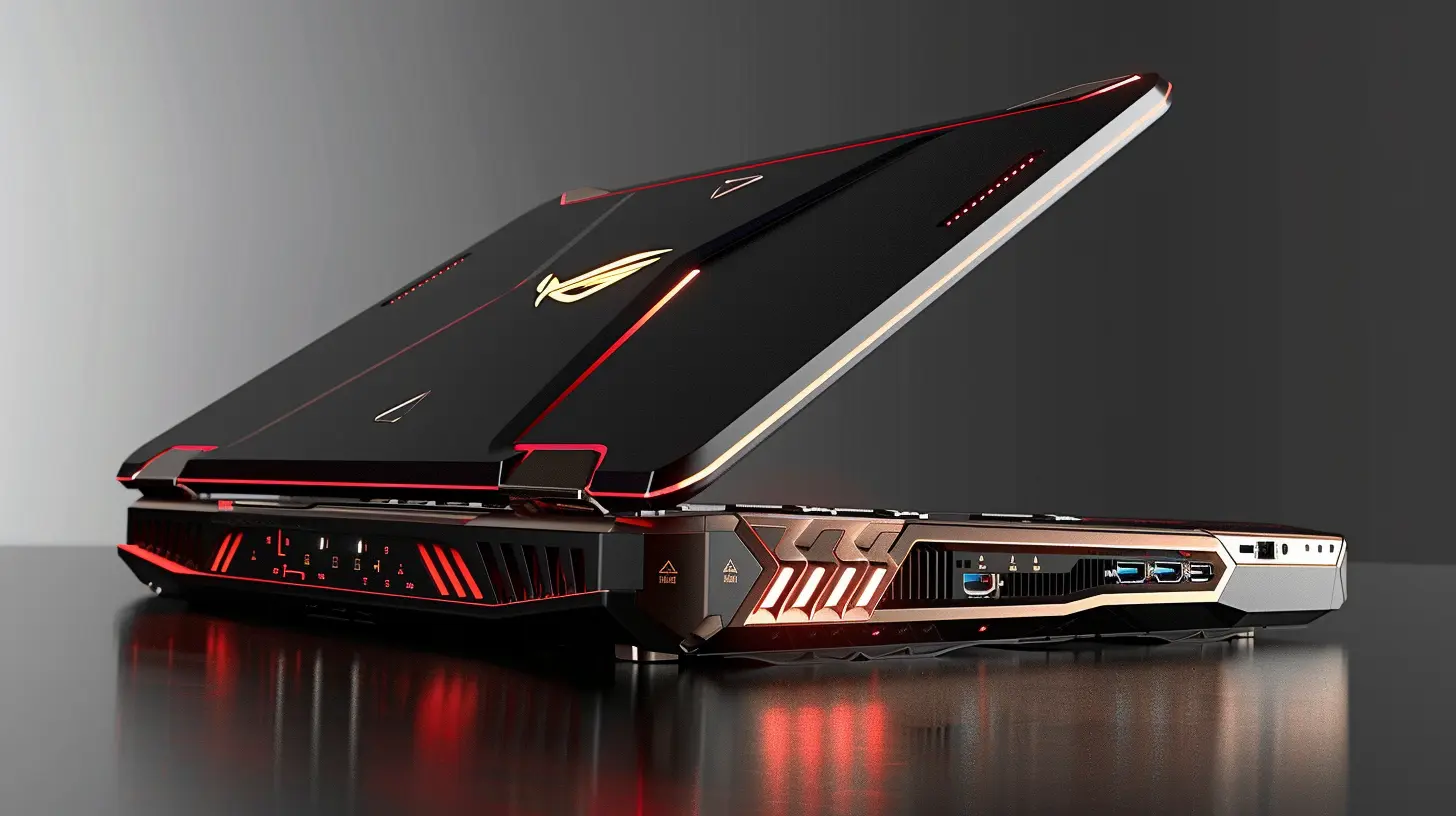
GPU (Graphics Card): The Star Player
Let’s not kid ourselves — this is the crown jewel of any gaming laptop.The GPU is responsible for rendering those jaw-dropping graphics, realistic shadows, smooth lighting, and crazy frame rates that PC gamers brag about.
What to Look For:
- NVIDIA RTX 3060 to RTX 4090 (realistically, 4060–4080 hits the sweet spot)- AMD Radeon RX 6700M or higher
More VRAM (think 6GB or more) means better textures and smoother high-res gaming. But don’t just look at the model number — watch out for “Max-Q” versions. They’re power-efficient but watered-down versions of their beefy desktop or full-power laptop cousins.
⚠️Warning: Not all RTX 3070s are created equal. Clock speeds and thermal designs can vary wildly between models. Research the specific implementation in the laptop you’re eyeing.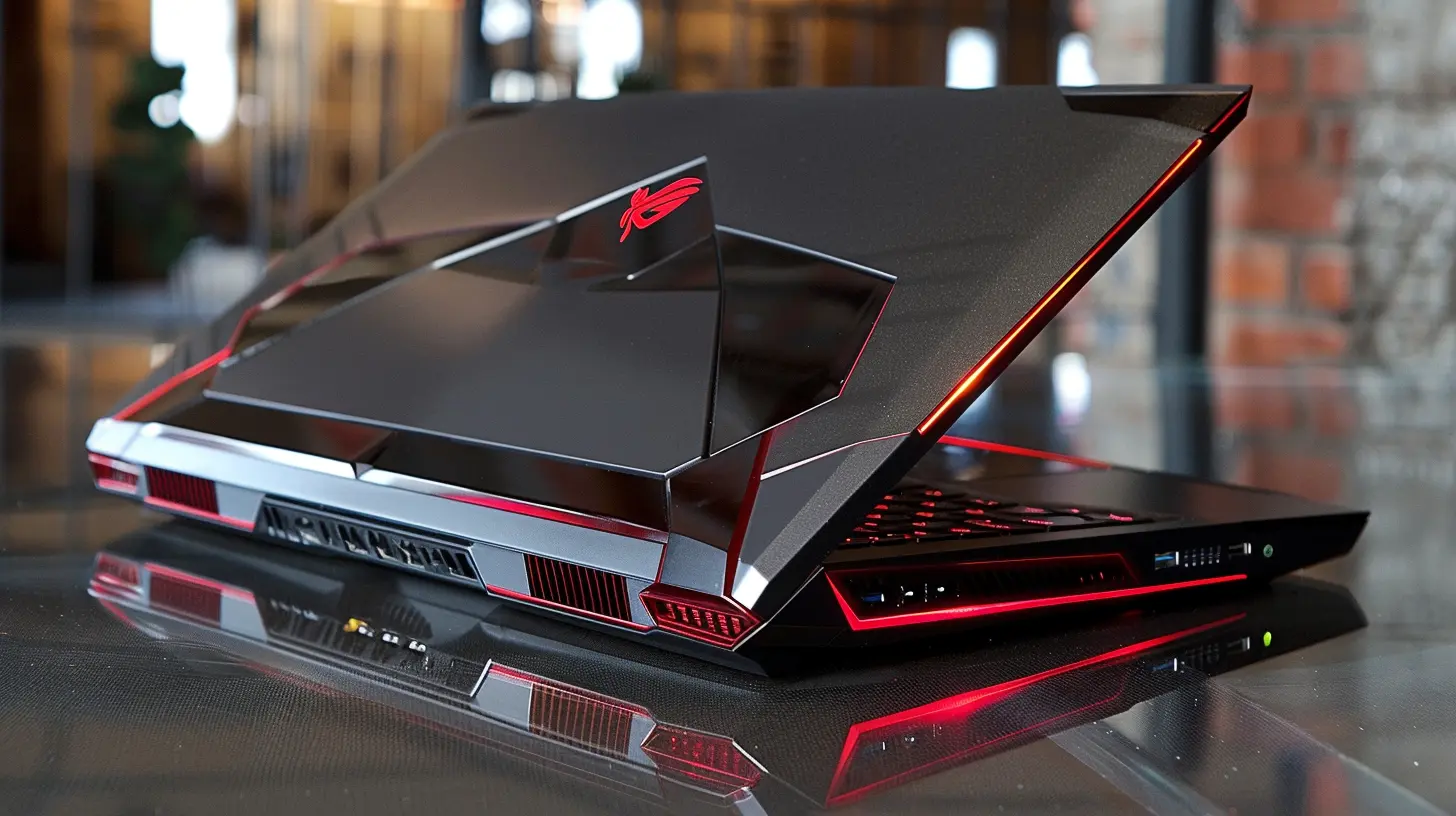
RAM: Your Laptop’s Short-Term Memory
RAM isn’t the flashiest spec out there, but boy, does it matter. It keeps everything running smoothly, especially if you’re hopping between a game, Discord, Chrome tabs, and maybe a stream running in the background.What to Look For:
- At least 16GB of DDR4 or DDR5 RAM- 32GB if you multitask like a maniac or also do creative work
Don’t compromise on RAM. 8GB used to be okay, but in 2024, it’s not cutting it for gaming. You’ll be bottlenecked real fast.
🧠 Think of RAM as your gaming laptop’s attention span. More RAM = less lag when juggling tasks.
Storage: SSD vs HDD (Hint: There’s Only One Right Answer)
This isn’t even a debate anymore. SSDs (Solid State Drives) are the only way to go.What to Look For:
- At least 512GB SSD- 1TB SSD if you want to install more than 3 AAA games at once
- NVMe drives are super fast and super worth it
HDDs are ancient tech unless they’re your secondary storage. SSDs load games in seconds instead of minutes. Time is money, and loading screens are the enemy.
🚀 An NVMe SSD is like teleportation compared to the horse-and-buggy speed of HDDs.
Display: More Than Just Pretty Pixels
You don’t just look at your screen — you experience everything through it. A good display can elevate your gaming from “meh” to “wow”.What to Look For:
- Resolution: 1080p (Full HD) is standard and great for most games. 1440p (QHD) is the current sweet spot. 4K sounds sexy but kills battery and frame rates.- Refresh Rate: 144Hz is your minimum. 240Hz+ is buttery smooth if your GPU can keep up.
- Panel Type: IPS for better color and viewing angles. Avoid TN panels like the plague.
- Brightness & Color Accuracy: Essential if you also create content.
🎮 High refresh rates are a total game changer. Once you play at 144Hz or 240Hz, going back to 60Hz feels like your game's stuck in molasses.
Cooling: Because No One Likes a Hot Mess
Gaming laptops are notorious for heating up like a toaster oven in July. Without good cooling, your expensive hardware will throttle down for self-protection, which means lower performance.What to Look For:
- Dual or triple fan setups- Vapor chamber cooling
- Liquid metal thermal paste (sounds sci-fi, works like magic)
- Large rear/side vents
Nothing kills immersion like fan noise louder than your game’s soundtrack. So invest in one that’s built for efficient airflow.
🔥Don’t skimp on cooling — unless you like palm BBQs and frame drops.
Battery Life: Don’t Expect Miracles
Here’s some real talk: gaming laptops are not built for all-day unplugged gaming. Any manufacturer claiming 10+ hours on a high-end rig? They’re dreaming.Realistic Expectations:
- 3–5 hours for mid-range laptops- 2–3 hours for high-end laptops during light use
- Plug it in for actual gaming
And yes, performance gets throttled on battery. So for serious gaming, you’ll want to stay plugged in.
🔌 Think of the battery as your emergency backup, not your main power source.
Keyboard and Build Quality: It’s Not Just About Looks
You’re gonna be hammering away on those keys for hours. A good keyboard makes the difference between bliss and blisters.What to Check:
- Key Travel: 1.5mm or more feels nice and tactile- RGB lighting (obviously, the more colors the better)
- Anti-ghosting and n-key rollover for accurate keypresses
- Aluminum or magnesium alloy bodies feel premium and last longer
💻 A gorgeous display and beastly GPU don’t mean squat if the keyboard feels like typing on a wet sponge.
Ports and Connectivity: Don’t Get Caught Short-Handed
Gamers need their toys — mouse, headset, external drives, maybe a second monitor.Must-Have Ports:
- At least 3 USB ports (preferably USB-C compatible)- HDMI or DisplayPort
- Ethernet port for low-latency gaming
- 3.5mm audio jack (some are skipping it, sadly)
- Wi-Fi 6 or better for future-proofing
🔌 Too few ports = annoying dongle life. Nobody wants that.
Weight and Portability: Bigger Isn’t Always Better
Gaming laptops range from sleek and backpack-friendly to full-on desktop replacements that’ll break your spine.What to Consider:
- Under 4 pounds = ultra-portable, but usually less powerful- Between 4.5–6 pounds = good balance of power and portability
- Over 6 pounds = desktop replacements, great power, bad backs
🎒 If you’re gaming on the go, don’t ignore weight. Trust me, your shoulders will thank you.
Price vs Performance: Where’s the Sweet Spot?
Everyone wants top-tier performance, but we all gotta work within a budget. The good news? You don’t have to sell a kidney to get a solid machine.General Price Guide (As of 2024):
- $1,000–$1,300: Great for 1080p gaming, RTX 3060/4060- $1,400–$1,800: QHD gaming, RTX 3070/4070
- $2,000+: 4K, RTX 4080 or 4090, premium build
Always compare what you're getting per dollar. Sometimes last year’s models are 90% of the performance at 50% of the price.
💸 Be smart — going just $200 over budget might double your gaming experience.
TL;DR – Quick Spec Checklist for Buying a Gaming Laptop
Let’s wrap this beast up with a cheat sheet. If all those numbers and acronyms are stressing you out, just keep this list handy when shopping:✅ CPU: Intel i7 / Ryzen 7 or better
✅ GPU: RTX 4060+ (or Radeon equivalent)
✅ RAM: 16GB minimum
✅ Storage: 1TB SSD (NVMe preferred)
✅ Display: 1080p or 1440p @ 144Hz+
✅ Cooling: Dual fans + good airflow
✅ Battery: Accept the short life
✅ Keyboard: Tactile and RGB
✅ Ports: Enough for all your gear
✅ Weight: Depends on your lifestyle
✅ Price: Balance performance with budget
Final Thoughts: Don’t Get Caught in the Hype
Here's the truth: not every spec is a dealbreaker. A flashy gaming laptop with a 4K screen and RGB lights on every surface can still suck if it skimps where it counts. Focus on the stuff that actually affects your gameplay — CPU, GPU, RAM, screen refresh rate, and cooling.You don’t need to chase the most expensive machine. You just need to be smart about what actually affects your in-game experience.
You’re not just buying a gaming laptop — you’re building your next adventure. Make it count.
all images in this post were generated using AI tools
Category:
Gaming LaptopsAuthor:

Adeline Taylor
Discussion
rate this article
2 comments
Gideon Carter
Great breakdown of gaming laptop specifications! Understanding components like GPU, CPU, RAM, and storage is crucial for gamers. Prioritizing a powerful GPU is essential for performance, while adequate RAM and SSDs enhance speed and loading times. This guide helps gamers make informed choices for their next purchase. Keep up the good work!
December 24, 2025 at 7:23 PM
Adeline Taylor
Thank you for your feedback! I'm glad you found the breakdown helpful for making informed gaming laptop choices. Happy gaming!
Briar Hurst
Focus on GPU, CPU, RAM, and storage for optimal performance.
December 24, 2025 at 3:48 AM
Adeline Taylor
Absolutely! Prioritizing GPU, CPU, RAM, and storage is key for maximizing gaming performance.