Wireless Earbuds Buying Guide for 2027
13 September 2026
Buying wireless earbuds in 2027 feels different than it did even two years ago. The category has matured, prices have spread across a wider range, and the gap between budget and premium models has narrowed in some areas while widening in others. You can spend $30 or $400, and the difference in daily satisfaction often comes down to a handful of decisions most buyers get wrong.
This guide is not a list of the best models. It is a framework for understanding what actually matters, why it matters, and how to match a product to your real life instead of a spec sheet. By the end, you should be able to walk into any store or product page and evaluate earbuds with confidence, regardless of brand or marketing claims.
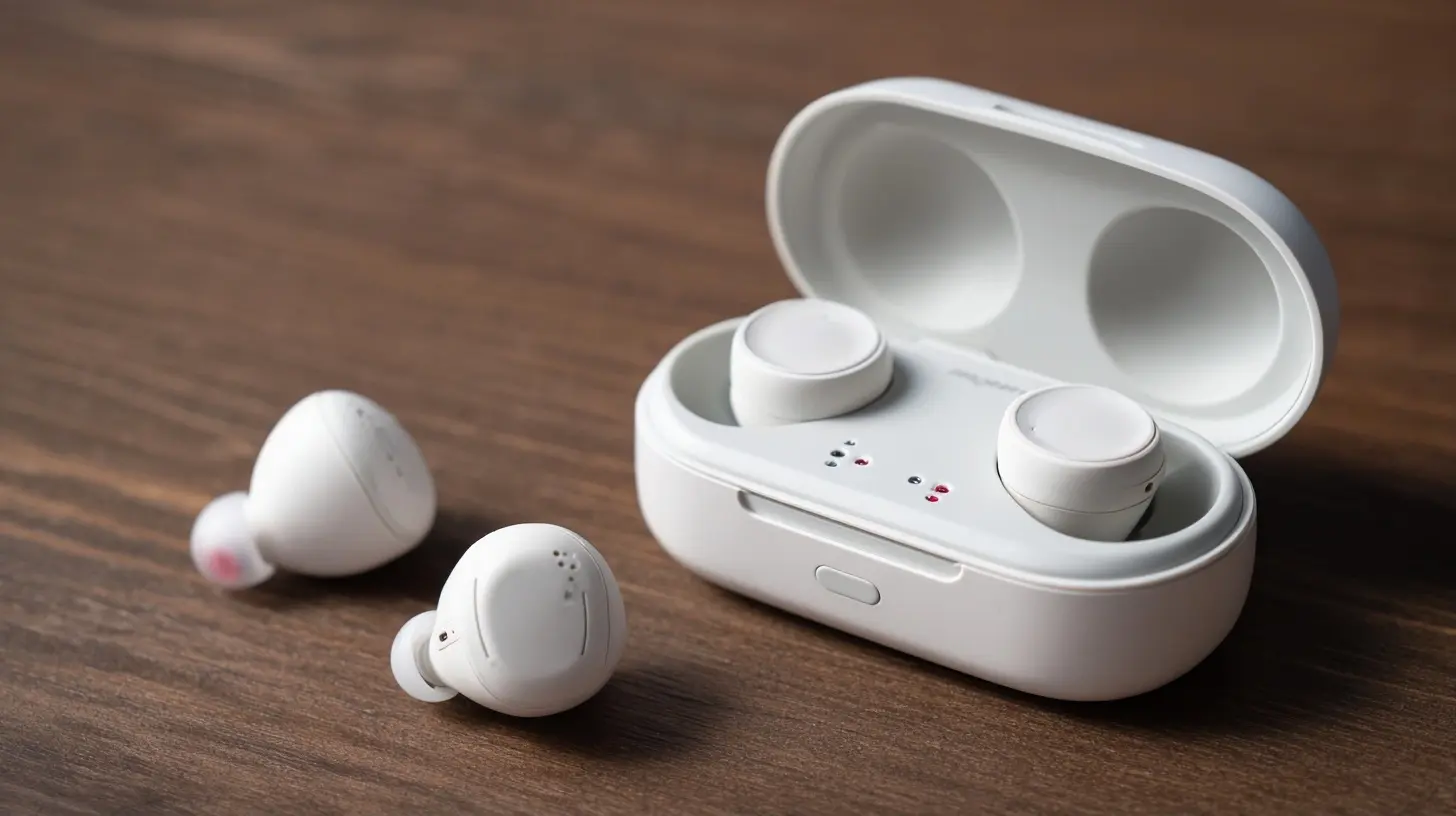
Start With Your Actual Use Case, Not the Specs
Most buying mistakes begin with a feature list instead of a scenario. Before comparing anything, answer three questions honestly.First, where will you use them most? A commuter on a noisy train has different priorities than someone who takes calls from a quiet home office. A runner needs stability and sweat resistance. A frequent flyer needs battery life and pressure comfort for long wear.
Second, what device ecosystem do you live in? If you carry an iPhone and a MacBook, certain conveniences like seamless switching between Apple devices are genuinely useful and hard to replicate elsewhere. The same logic applies to Android and Windows users, though the ecosystem lock-in is generally looser.
Third, how much do you care about sound quality versus convenience? These two goals sometimes conflict. The most convenient earbuds are not always the best sounding, and the best sounding are not always the most convenient.
Write your answers down. They will resolve most of the confusion later.
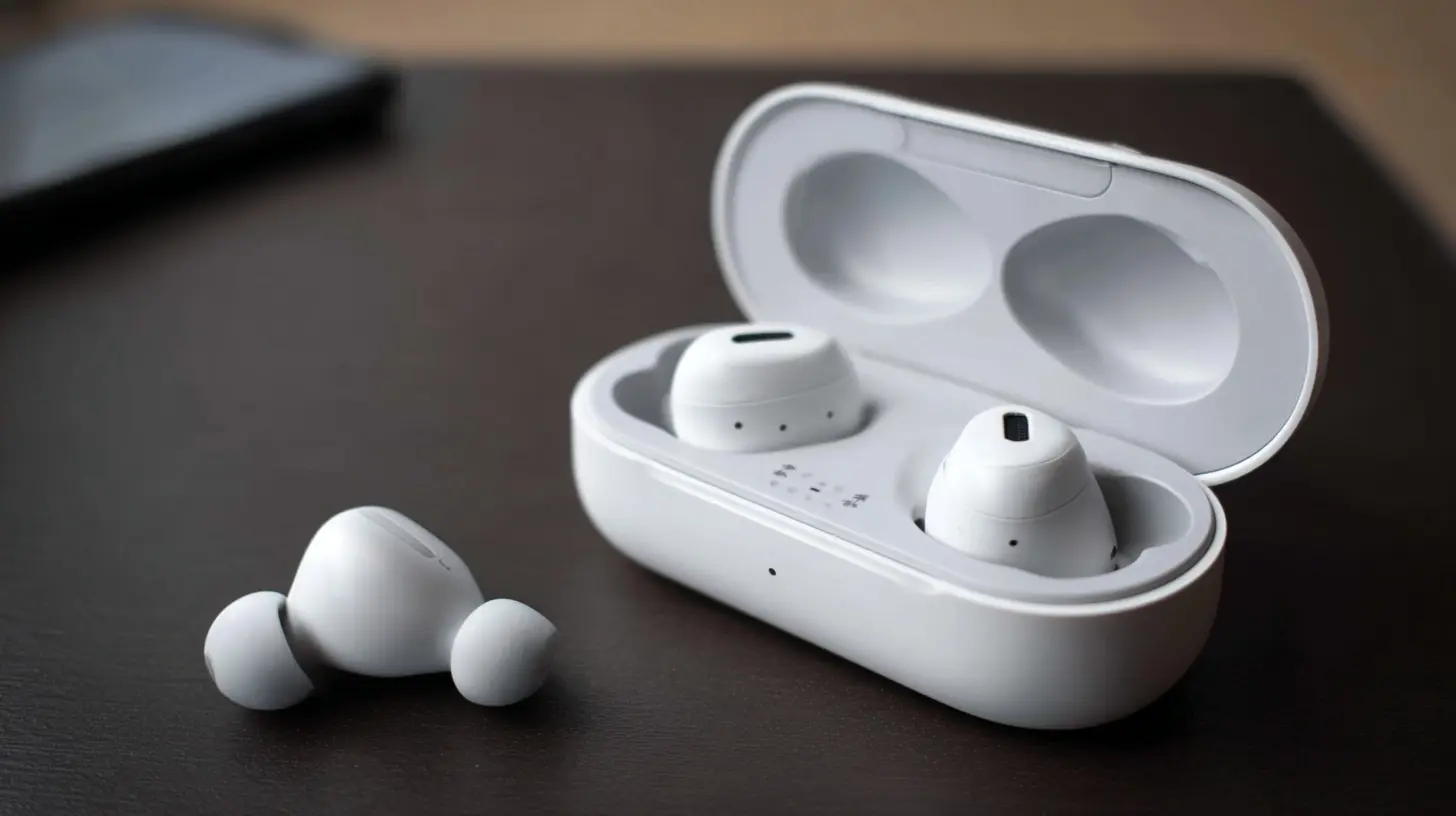
Sound Quality: What Actually Drives It
Sound quality in wireless earbuds depends on four things: the driver, the acoustic design, the digital signal processing, and the fit. Fit is the one buyers underestimate most.Drivers and Tuning
Most earbuds use dynamic drivers, typically between 6mm and 12mm. Larger drivers do not automatically mean better sound. A well-tuned 8mm driver can outperform a poorly tuned 12mm one. What matters is how the manufacturer tunes the frequency response, which is the balance between bass, mids, and treble.Some brands tune for a bass-heavy "fun" sound. Others aim for a more neutral, studio-like presentation. Neither is objectively correct. If you listen to hip-hop and electronic music, a warmer tuning may suit you. If you listen to acoustic recordings, jazz, or classical, a more balanced tuning usually reveals more detail.
Codecs and What They Really Change
Codecs are the compression methods used to send audio from your phone to the earbuds. Common ones include SBC, AAC, LDAC, and various low-latency options.Here is the practical reality. SBC is the baseline and sounds acceptable. AAC is generally better on Apple devices and is widely supported. LDAC and similar high-bitrate codecs can carry more detail, but only if your phone supports them and the wireless environment is clean. In a crowded train station with heavy interference, a high-bitrate codec may actually perform worse because it needs more stable bandwidth.
Do not buy earbuds solely because they support a premium codec. Buy them because they sound good on your device, in your environment. If possible, test them with your own phone.
Fit and Seal
This is the single biggest factor in perceived sound quality. A proper seal blocks outside noise, which lets you hear bass and detail that otherwise get masked. If an earbud does not seal well in your ear, no codec or driver will save it.Ear tips matter enormously. Silicone tips seal well but can cause pressure. Foam tips seal better and are more comfortable for some, but they wear out faster and can dull treble slightly. Many earbuds ship with multiple tip sizes. Try all of them. The right size is the one that feels snug without discomfort and stays put when you talk or chew.
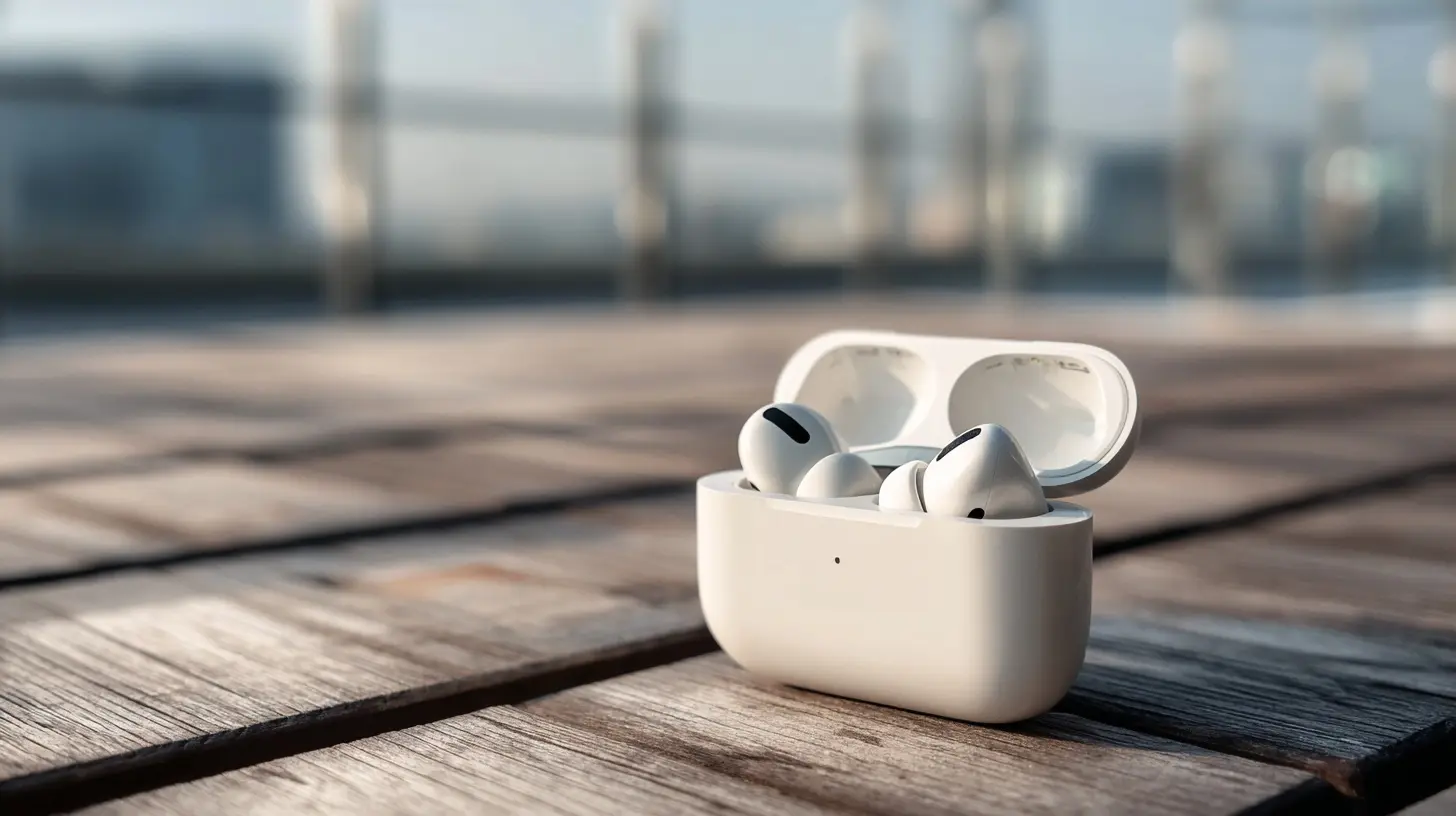
Active Noise Cancellation: Useful, But Not Magic
Active noise cancellation, or ANC, uses microphones and inverse sound waves to reduce ambient noise. It works best on steady, low-frequency sounds like airplane engines, train rumble, and air conditioning. It works less well on sudden or high-frequency sounds like baby cries, keyboard clicks, or nearby conversation.When ANC Helps Most
If you fly often, commute on trains or buses, or work in an open office, ANC is worth paying for. It reduces fatigue over long sessions because your ears are not fighting constant background noise.When ANC Matters Less
If you mostly listen in quiet rooms, ANC adds cost and complexity for little benefit. In fact, strong ANC can introduce a faint pressure sensation that some people find uncomfortable. If you are sensitive to that feeling, consider earbuds with milder ANC or a transparency-focused design.Transparency Mode
Transparency mode pipes outside sound in through the microphones. It is genuinely useful for ordering coffee, hearing announcements, or staying aware while walking. Quality varies a lot. Good transparency sounds natural. Poor transparency sounds processed and hollow. If you plan to use it daily, test it before buying.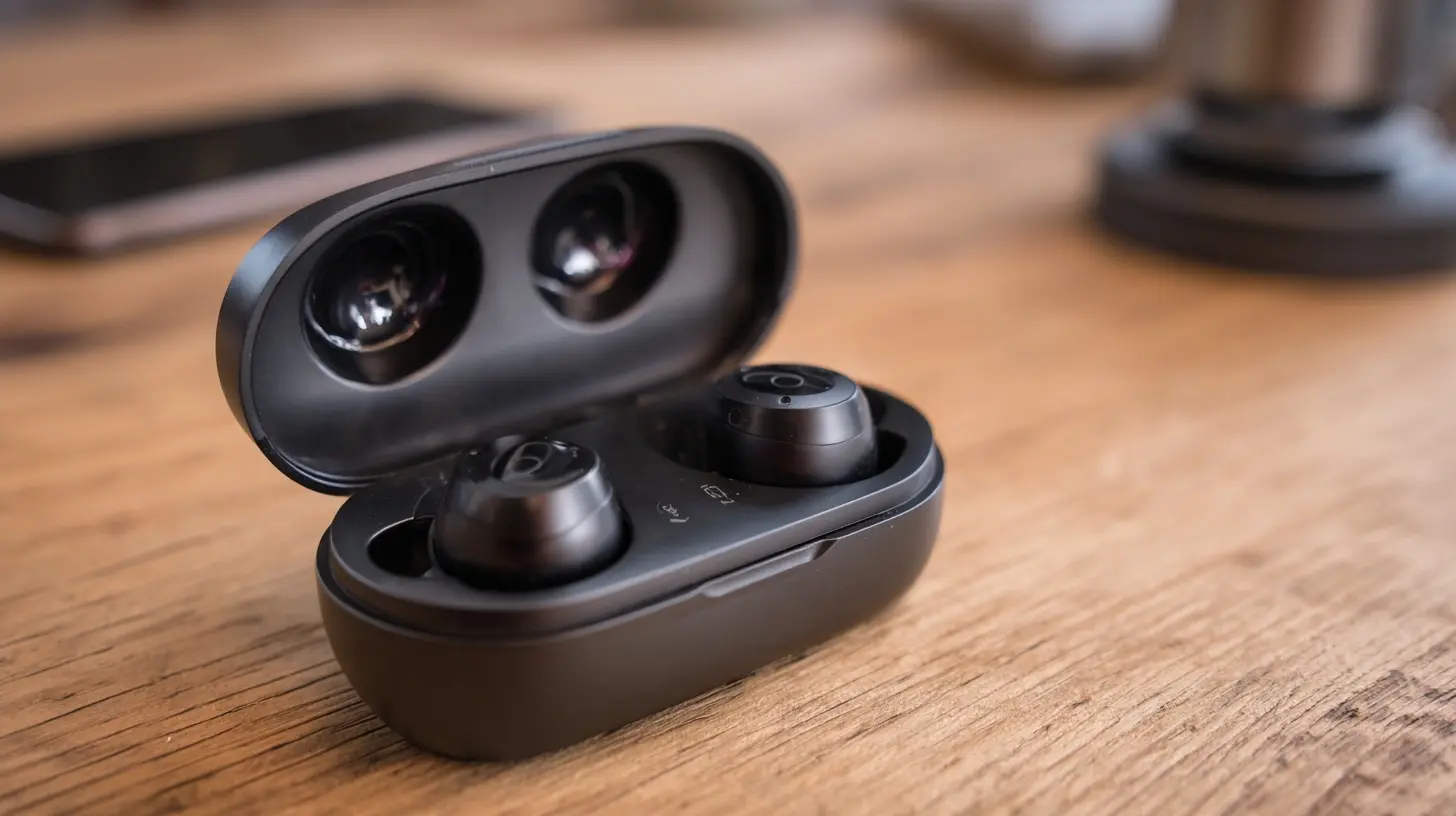
Battery Life: Read the Fine Print
Manufacturers advertise total battery life with the charging case, which is the number that matters for most people. But the number you should focus on is single-charge life, because that determines how long you can listen before docking.Typical single-charge life ranges from 4 to 10 hours. Total with case ranges from 20 to 40 hours. ANC drains battery faster, sometimes by 20 to 40 percent. Volume also affects it.
Consider your longest typical session. A two-hour commute is easy for almost any earbud. An eight-hour workday with ANC on is demanding and narrows your options.
Charging Speed and Methods
Fast charging is underrated. A quick five-minute top-up that yields an hour of playback can rescue a dead earbud before a meeting. Wireless charging on the case is convenient but slower and requires a compatible pad. USB-C remains the most universal and fastest option.Also check whether the case supports charging the earbuds independently, and whether the earbuds can be used one at a time. Single-bud use doubles your effective battery life for calls and podcasts.
Comfort and Stability: The Deal Breakers
You can forgive mediocre sound. You cannot forgive pain. Comfort depends on weight, shape, nozzle angle, and tip material.Weight and Shape
Lighter earbuds generally stay in place better and cause less fatigue. Shape matters more than weight for some ears. Some people have shallow ear canals and need a shallower nozzle. Others need a deeper insertion for stability.Stability for Movement
If you run, lift, or do martial arts, look for earbuds with secure-fit wings, hooks, or a stem design that anchors against the ear. Sweat resistance ratings matter here. IPX4 handles light sweat and rain. IPX7 survives submersion, though you rarely need that for daily use.Long-Wear Pressure
Some earbuds create a vacuum seal that feels uncomfortable after an hour. Venting helps, but vents reduce bass and noise isolation. This is a genuine trade-off. If you wear earbuds for hours, prioritize comfort over maximum isolation.
Microphone Quality: The Hidden Differentiator
Call quality is where many earbuds quietly fail. Specs rarely capture it well, so you need to think about how the microphones are placed and processed.Beamforming and Noise Reduction
Most modern earbuds use multiple microphones with beamforming, which focuses on your voice and reduces surrounding noise. This works well in moderate noise. In very windy or crowded environments, even good earbuds struggle.Bone Conduction and Voice Pickup
Some earbuds use bone conduction sensors to pick up your voice through vibrations in your skull. This can dramatically improve call clarity in noisy places because it ignores airborne noise. It is not perfect, but it is a meaningful advantage if you take calls outdoors or in busy areas.What to Test
If calls matter to you, read reviews that specifically test microphone performance in noisy conditions. Better yet, try a demo call in a store if possible. A quick recording test on your phone can reveal more than any spec sheet.Connectivity: Bluetooth Versions and Multipoint
Bluetooth has improved steadily. Newer versions offer better power efficiency and more stable connections, but the version number alone does not guarantee performance. The implementation matters more.Multipoint Pairing
Multipoint lets earbuds connect to two devices at once, like a laptop and a phone. This is genuinely useful if you switch between work and personal devices. When a call comes in on your phone, the earbuds switch automatically. Not all earbuds support multipoint, and some implementations are smoother than others.Latency and Gaming
Latency is the delay between audio and video. For music and podcasts, it does not matter. For gaming and video editing, it does. Many earbuds offer a low-latency mode, often at the cost of some audio quality. If you game on mobile, check for this feature specifically.Ecosystem Perks
Some earbuds unlock extra features when paired with specific phones or operating systems, like higher-quality codecs, faster pairing, or find-my-device integration. These perks are real but tie you to a brand. Weigh the convenience against the loss of flexibility.
Durability and Repairability
Wireless earbuds are small, battery-powered devices. Batteries degrade. Glue and seals make repairs difficult or impossible. This means earbuds have a finite lifespan, often two to four years of regular use.What to Look For
Higher IP ratings help with sweat and rain. A sturdy case protects against drops. Some brands offer replacement ear tips and even replacement earbuds, which extends usable life. If sustainability matters to you, look for brands that publish battery replacement policies or recycling programs.What to Avoid
Avoid buying earbuds with no water resistance if you plan to exercise. Avoid models with proprietary charging cables. Avoid anything that cannot be used with one earbud at a time if you rely on calls.Common Mistakes and Misconceptions
Mistake one: Chasing the highest specs. A premium codec or a large driver does not guarantee satisfaction. Fit, tuning, and comfort matter more.Mistake two: Ignoring the return policy. Earbuds are personal. What fits one person may hurt another. Buy from a seller with a generous return window.
Mistake three: Assuming ANC is always better. Strong ANC can cause discomfort and is unnecessary in quiet settings.
Mistake four: Overlooking the case. The case is part of the product. A bulky case is annoying in a pocket. A case with weak hinges or poor charging contacts will frustrate you daily.
Misconception: More expensive always means better. Diminishing returns kick in quickly. A $150 pair often delivers 90 percent of the experience of a $300 pair. The last 10 percent costs disproportionately more.
Misconception: Wireless earbuds are bad for calls. This was true years ago. Modern earbuds with good microphone arrays handle calls well in most conditions.
How to Evaluate Earbuds Before Buying
1. Define your primary use case and environment.2. Check fit and comfort reviews from people with similar ear shapes if possible.
3. Confirm your phone supports the codecs the earbuds offer.
4. Verify single-charge battery life meets your longest session.
5. Read microphone tests in noisy conditions if calls matter.
6. Confirm multipoint if you switch devices often.
7. Check the return policy and warranty.
8. Consider long-term battery replacement options.
Final Recommendations by Profile
For commuters and travelers: Prioritize ANC, single-charge battery life of at least six hours, and comfortable long-wear design. Multipoint helps if you carry a laptop.For athletes: Prioritize secure fit, sweat resistance of IPX4 or better, and stability. ANC is optional. Transparency mode is useful for outdoor safety.
For remote workers: Prioritize microphone quality, multipoint, and comfort for all-day wear. ANC helps in shared spaces.
For audiophiles on a budget: Prioritize tuning and fit over ANC and premium codecs. A well-sealed, well-tuned budget pair often beats a feature-heavy premium pair for pure listening.
For casual listeners: Prioritize ease of use, battery life, and price. Most modern budget earbuds are more than adequate.
The Bottom Line
Wireless earbuds in 2027 are good enough that almost any reputable pair will satisfy basic needs. The difference between a great purchase and a regrettable one comes down to matching the product to your specific habits, environment, and comfort needs. Focus on fit, battery life, and call quality if those matter to you. Treat ANC and codecs as tools, not trophies. And always buy from a seller who lets you return them if they do not work for your ears.
all images in this post were generated using AI tools
Category:
Wireless EarbudsAuthor:

Adeline Taylor
Discussion
rate this article
2 comments
Kade Wyatt
Great article! The tips on battery life and sound quality really stood out to me. With so many options out there, it's helpful to have a clear guide. I appreciate the effort you put into making this info accessible for everyone.
September 23, 2026 at 2:54 AM
Regina Bryant
Great insights! Excited to see future options.
September 15, 2026 at 2:50 AM
Adeline Taylor
Thanks! I'm glad you found it helpful. Stay tuned for more updates on the latest options!