The Next Generation of Drawing Tablets Creators Will Love
11 November 2026
In the ever-evolving world of digital art, drawing tablets have taken center stage, providing artists with tools that can replicate the feel of traditional media while offering features that push creativity to new heights. But as technology advances, what does the next generation of drawing tablets hold for creators? Let's dive into the innovations, features, and considerations that can help artists make the most informed decisions.
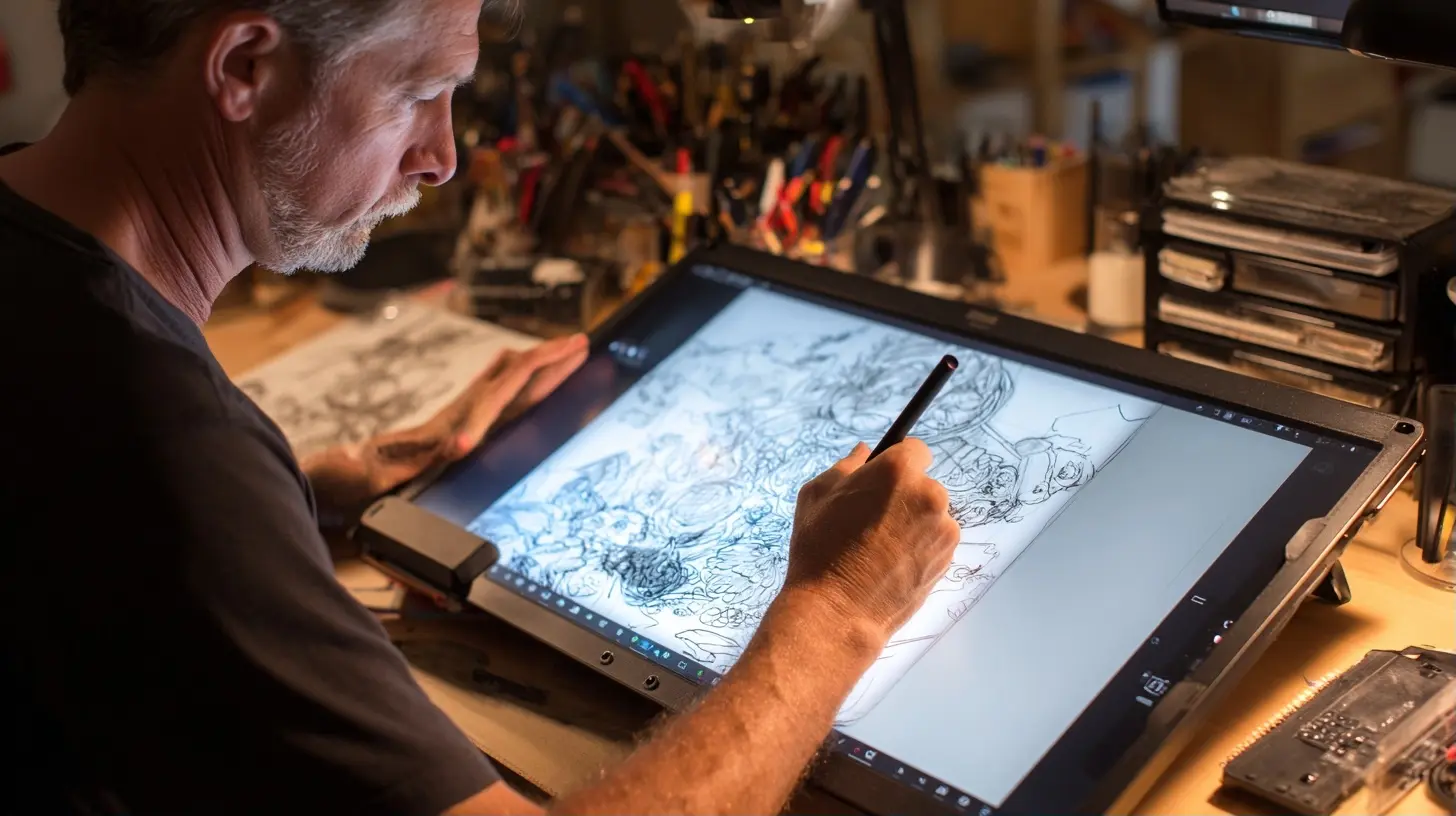
The Evolution of Drawing Tablets
A Brief History
From the first graphical tablets that required a stylus to the latest multi-touch screens, drawing tablets have come a long way. Early models were often clunky and limited in functionality, but modern tablets are sleek, responsive, and packed with features that cater to both professional and budding artists alike.The Shift to Versatility
Today's tablets are not just about drawing; they're multifunctional devices that accommodate various creative tasks. Whether you're animating, creating vector graphics, or simply doodling, the versatility of these devices has expanded significantly. This shift allows creators to seamlessly transition between different forms of digital art without needing multiple tools.
Key Features of Next-Gen Drawing Tablets
Pressure Sensitivity
One of the most critical features in a drawing tablet is pressure sensitivity. This technology allows artists to control the thickness and opacity of lines based on how hard they press the stylus against the tablet surface. Most modern tablets boast pressure sensitivity levels ranging from 2048 to 8192 levels, which can dramatically enhance the drawing experience.Why It Matters
The variation in pressure sensitivity can mimic the feel of traditional drawing tools. For example, a high sensitivity level allows for more control over shading and line variation, making it easier for artists to express their style. However, artists should choose a tablet that matches their drawing style. For instance, if you prefer bold, thick lines, a tablet with lower sensitivity may suffice.Screen Quality
When considering a drawing tablet, screen quality cannot be overlooked. Look for tablets with high resolution (at least 1920x1080) and color accuracy. The best models also offer anti-glare screens to reduce reflections, making long drawing sessions easier on the eyes.Common Mistakes
A common mistake is focusing solely on resolution and ignoring color accuracy. It's essential to ensure that the colors displayed on the tablet match what you would see in print or on other screens. This accuracy is vital for artists who create work for clients or intend to sell prints.Stylus Technology
The stylus is the artist's primary tool, so its quality can make or break the drawing experience. Look for tablets that include pressure-sensitive styluses with tilt recognition. Some brands offer styluses with replaceable nibs, which can simulate various drawing tools such as pencils, brushes, or markers.Trade-offs
While high-end styluses come with advanced features, they can also drive up the cost of the tablet. Artists need to balance their budget with the features they truly need. For example, if you are a hobbyist, you might find that a simpler stylus meets your needs perfectly.
Connectivity and Compatibility
Wireless vs. Wired
Next-gen tablets often feature both wired and wireless connectivity options. Wireless options offer greater mobility and a cleaner workspace, but they may introduce latency, which can hinder performance. Wired connections, while less flexible, typically provide faster, more reliable communication with your computer.Recommendations
If you are working on detailed projects that require precision, consider using a wired connection. For casual doodling or sketching, wireless can offer the freedom to move comfortably around your workspace.Software Compatibility
Another crucial factor is software compatibility. Most drawing tablets work with popular software like Adobe Photoshop, Corel Painter, and Procreate, but it's essential to verify that your desired applications are supported. Some tablets even come bundled with software, providing added value.Best Practices
When selecting a tablet, double-check the software you plan to use. Some tablets may offer features that are only compatible with specific programs, so ensure there's no misalignment between your artistic goals and the tablet's capabilities.
The User Experience
Ergonomics
User comfort should be a priority. Drawing for extended periods can lead to fatigue, so look for tablets with ergonomic designs. Features like adjustable stands, customizable buttons, and comfortable stylus grips can greatly enhance the user experience.Considerations
If you are prone to wrist strain, consider tablets that allow you to draw at an angle, or invest in a stand. Your workspace setup matters too; a clean, organized area can help maintain good posture and reduce the risk of injury.Customizability
Customization options can significantly enhance your workflow. Look for tablets that allow you to program shortcut keys or touch rings for frequently used functions. This feature can streamline your creative process, allowing you to focus more on your art than on navigating menus.Common Misconceptions
Many artists believe that all tablets come with customizable features, but this isn't always the case. Make sure to research your options and find a model that truly supports your creative style.Real-World Examples
Case Study: Professional Illustrators
Take, for example, a professional illustrator working on a graphic novel. They might choose a high-end tablet like the Wacom Cintiq, known for its excellent color accuracy and pressure sensitivity. This choice reflects their need for precision and detail, allowing them to create intricate illustrations that meet industry standards.Case Study: Hobby Artists
On the other hand, a hobbyist might opt for an entry-level tablet like the Huion Inspiroy. With a more budget-friendly price tag and sufficient features for casual use, this tablet still offers a satisfying drawing experience without breaking the bank.
Common Mistakes to Avoid
Overspending on Features
One of the biggest pitfalls is overspending on features that may not be necessary. For instance, a high-end tablet may come with a plethora of features, but if you are primarily drawing simple sketches, those extras might not enhance your experience.Ignoring Reviews
Another common mistake is neglecting to read reviews and watch user videos. Real-world feedback can provide insights that specifications alone cannot. Finding out how a tablet performs in real use can save you from potential dissatisfaction.The Future of Drawing Tablets
Anticipated Innovations
As technology continues to advance, we can expect improvements in areas like augmented reality (AR) integration, AI-assisted drawing tools, and even better stylus technology that simulates different textures and behaviors. These innovations could create immersive drawing experiences that blur the line between digital and traditional art.Sustainability Considerations
With a growing focus on sustainability, future drawing tablets may incorporate eco-friendly materials and energy-efficient technologies. This shift could appeal to environmentally conscious creators who want their tools to align with their values.
Conclusion
The next generation of drawing tablets promises a wealth of features and innovations that cater to a wide range of creators. By considering factors such as pressure sensitivity, screen quality, and software compatibility, artists can make informed decisions tailored to their unique needs. Whether you are a professional illustrator or a casual doodler, there is a drawing tablet out there that will enhance your creative journey.Invest wisely, avoid common pitfalls, and keep an eye on evolving trends to ensure you choose the best tools for your artistic expression.
all images in this post were generated using AI tools
Category:
Tech For CreatorsAuthor:

Adeline Taylor