The Ultimate Guide to Your Digital Assistant in 2027
10 September 2026
If you bought a phone, laptop, or smart speaker before 2024, your idea of a digital assistant is probably a voice that sets timers, answers trivia, and occasionally fumbles a text message. That version of the assistant is gone. In 2027, your digital assistant is not a feature. It is an environment. It watches your habits, negotiates your subscriptions, drafts your emails before you ask, and quietly handles the administrative sludge of life so you can focus on the parts that matter. But this power comes with real trade-offs, and most people are using their assistants wrong. This guide walks through what actually works in 2027, what to avoid, and how to build a system that respects your time and your privacy.
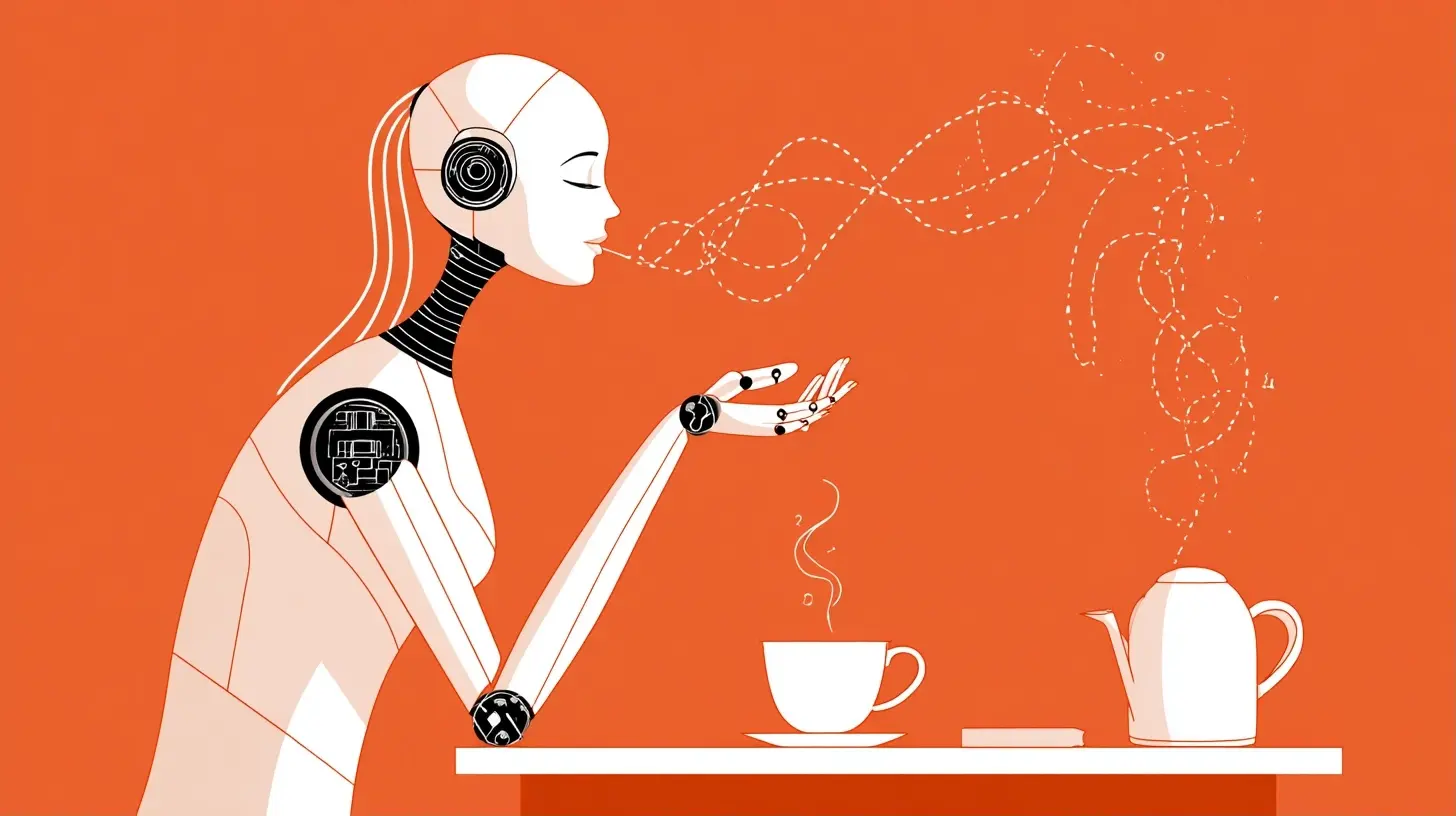
What Changed: From Reactive to Proactive
The old assistants waited for commands. You said "Hey, set an alarm," and they did it. The new generation does not wait. It anticipates. By 2027, the leading assistants from the major platform vendors and a few independent challengers operate on a continuous loop of context gathering, prediction, and action. They know your calendar, your commute, your spending patterns, your sleep schedule, and your typical response times to different contacts. They use that data to surface things before you ask.For example, imagine you have a recurring meeting every Monday at 9 AM with a client who always reschedules at the last minute. A 2027 assistant notices the pattern after three weeks. On the fourth Monday, at 8:15 AM, it sends you a quiet notification: "Your 9 AM with Acme Corp has a 78 percent likelihood of moving. Want me to block a backup slot at 11?" That is not magic. It is statistical pattern matching applied to your calendar history. But the effect feels like having a sharp personal secretary.
The shift from reactive to proactive is the single biggest change. It means the assistant is no longer a tool you pick up. It is a presence that runs in the background. That has huge implications for trust, for battery life, for data usage, and for the way you structure your day.
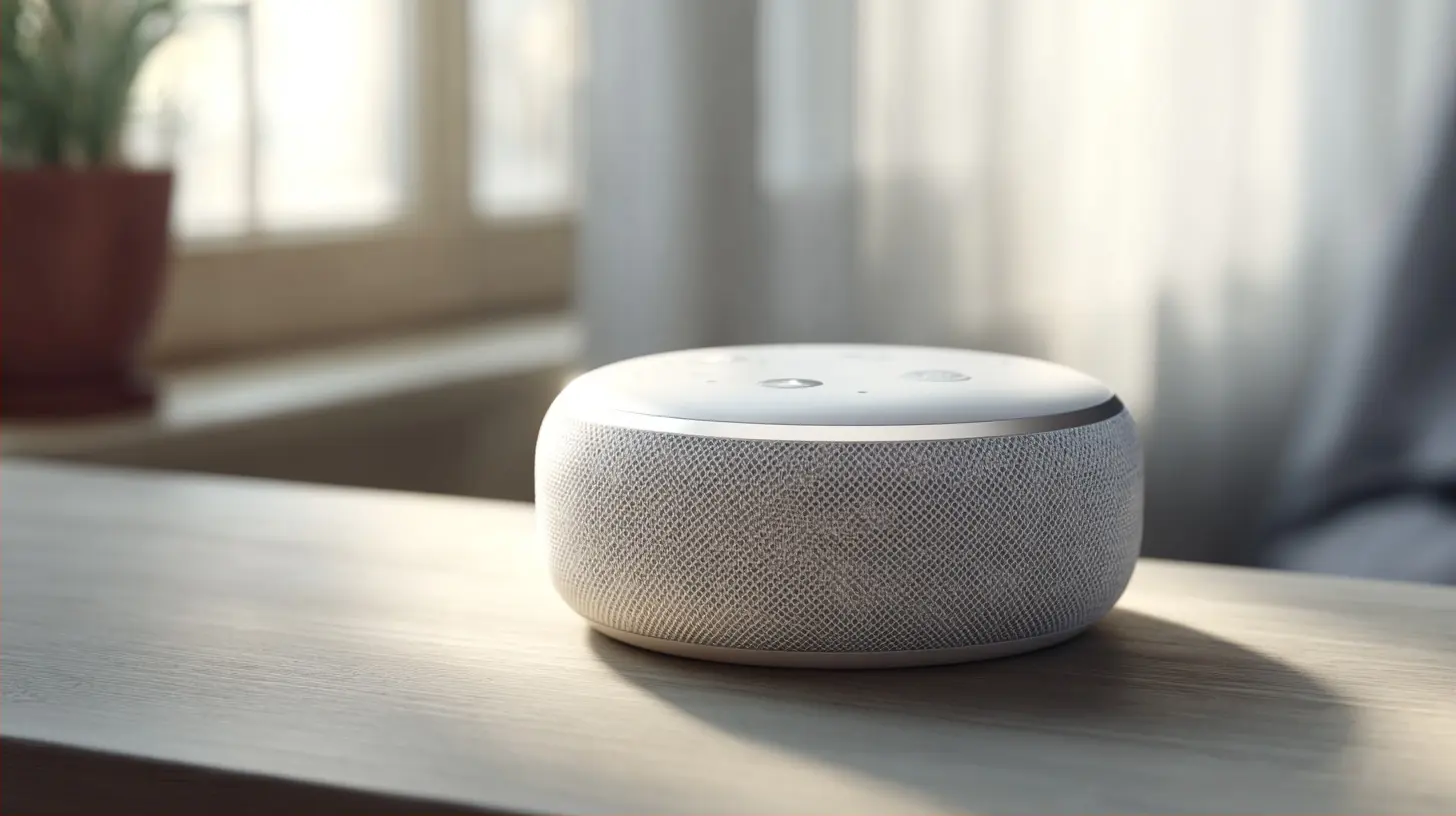
The Three Main Models in 2027
Not all assistants are created equal. As of 2027, you can roughly sort them into three categories.The On-Device Guardian
The first model runs entirely on your hardware. No cloud processing. No server-side logs. Your phone or computer contains a small but powerful neural engine that processes your voice, your messages, and your local context. The advantage is privacy. Nothing leaves your device. The disadvantage is capability. An on-device assistant cannot access the broader web in real time, cannot coordinate with services that require server-side authentication, and usually has a narrower understanding of complex requests.This model works well for people who handle sensitive information: lawyers, doctors, journalists, or anyone under regulatory scrutiny. If you cannot afford a single transcript of a voice command to exist on a vendor's server, this is your only real choice. The trade-off is that you will miss out on some conveniences, like having the assistant book a restaurant table or adjust a flight itinerary, because those actions require live integration with external systems.
The Cloud-Native Powerhouse
The second model is the opposite. Everything is processed in the cloud. Your voice input goes to a data center, gets interpreted by a massive language model, and the response streams back. This model has the deepest knowledge base, the best conversational ability, and the widest range of integrations. It can read a PDF attached to an email, summarize a legal contract, cross-reference it with your calendar, and draft a response with the correct tone.The downside is obvious. Your data is on someone else's computer. Even with strong encryption in transit and at rest, the vendor can technically access your information. Most vendors claim they do not use your data for training without consent, but that claim is hard to verify from the outside. You are also dependent on network connectivity. If you fly or go to a remote cabin, the cloud-native assistant becomes a dumb brick.
The Hybrid Broker
The third model, and the one most experts recommend for general consumers, is the hybrid. The assistant runs a local model for basic tasks, privacy-sensitive operations, and offline functionality. When it detects a request that requires more power or external data, it sends only the minimal necessary context to the cloud. For example, if you ask it to summarize a confidential email, it does that locally. If you ask it to find a good Italian restaurant nearby, it sends your location and the query, but not your email contents.The hybrid model is not perfect. The logic that decides what goes to the cloud can be imperfect, and there have been documented cases where hybrid assistants sent more data than intended due to a bug. However, as of 2027, the hybrid is the best balance of capability and control for most people. The key is to review your assistant's privacy dashboard at least once a month to see what actually left your device.
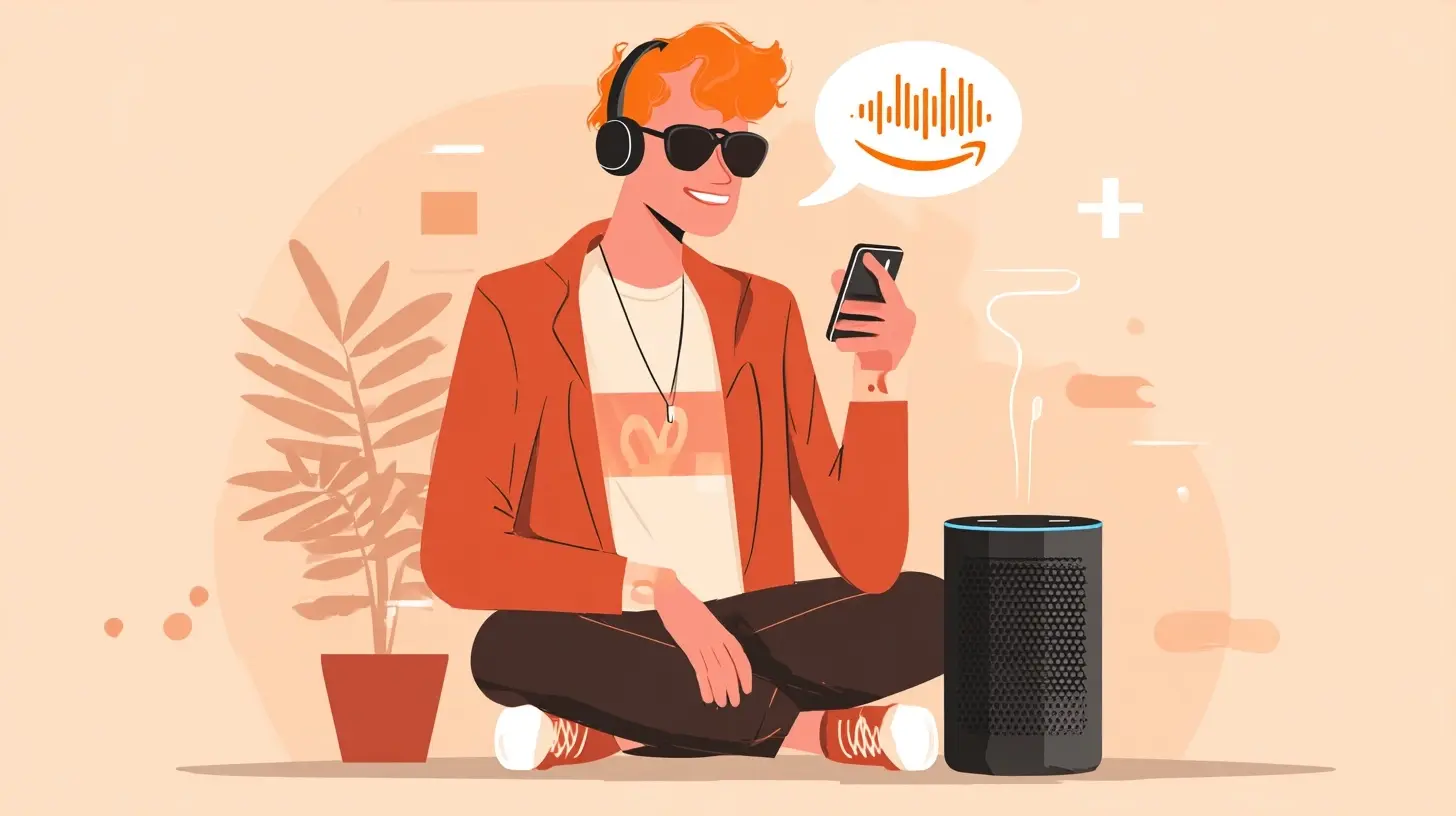
Practical Capabilities That Matter Now
Let's move past the architecture and talk about what you can actually do in 2027. The marketing demos focus on flashy stuff like generating images or composing music. The real value is in the mundane.Inbox Zero Without the Effort
The best use case for a 2027 assistant is email triage. It can sort your inbox into categories: action required, waiting on someone else, informational, and junk. For action-required emails, it drafts a response based on your past writing style. You do not have to approve every draft. You can set rules. For example, "If a vendor asks to reschedule a meeting, automatically propose three slots from my calendar and send it." That sounds risky, but the assistant learns your preferences for which vendors you prioritize and which you do not mind rescheduling.The mistake most people make is letting the assistant auto-send everything. You should reserve full automation for low-stakes messages. Anything with financial implications, legal language, or emotional nuance should get a human review. A good rule of thumb: if you would be embarrassed by the message being read aloud in a meeting, do not auto-send it.
Calendar Negotiation as a Service
Coordinating schedules across multiple parties is a nightmare that has not disappeared. In 2027, your assistant can handle the back-and-forth of finding a time that works for five busy people. It sends out your availability, receives theirs, proposes options, and confirms. It does this politely, in natural language, and it knows not to be pushy.But here is a nuance. The assistant only works if the other people also have assistants or at least use compatible calendar systems. If you are dealing with a lawyer who still uses a paper planner, the assistant cannot help. It will need to send a plain email asking for availability, and then you are back to manual coordination. Do not blame your assistant for this. It is a limitation of the human world, not the software.
Financial Oversight and Subscription Auditing
Subscription creep is a real problem. By 2027, the average person has over a dozen active subscriptions, many of which they forgot. Your assistant can audit your bank statements, identify recurring charges, and flag ones you have not used in over six months. It can then suggest cancellation.This works surprisingly well, but you need to be careful. Some subscriptions are tied to accounts you still need even if you do not use them often, like cloud storage for old photos. The assistant does not understand sentimental value. Always review its cancellation suggestions before approving. Also, some services have annual billing cycles. The assistant might flag a charge as a one-time purchase when it is actually your yearly payment for a service you want to keep.
Health and Wellness Monitoring
Wearables are now deeply integrated with assistants. Your watch tracks your heart rate variability, sleep stages, and activity levels. The assistant correlates that with your calendar and stress markers. If it notices you slept poorly and have a high-stakes presentation at 10 AM, it might suggest a lighter workout in the morning and a short breathing exercise before the meeting.This is genuinely useful, but it has a dark side. The assistant can become a source of anxiety if you let it. Some people obsess over the daily readiness scores and start making decisions based on numbers rather than how they actually feel. Use the health features as a gentle guide, not an authority. You know your body better than a wrist sensor.
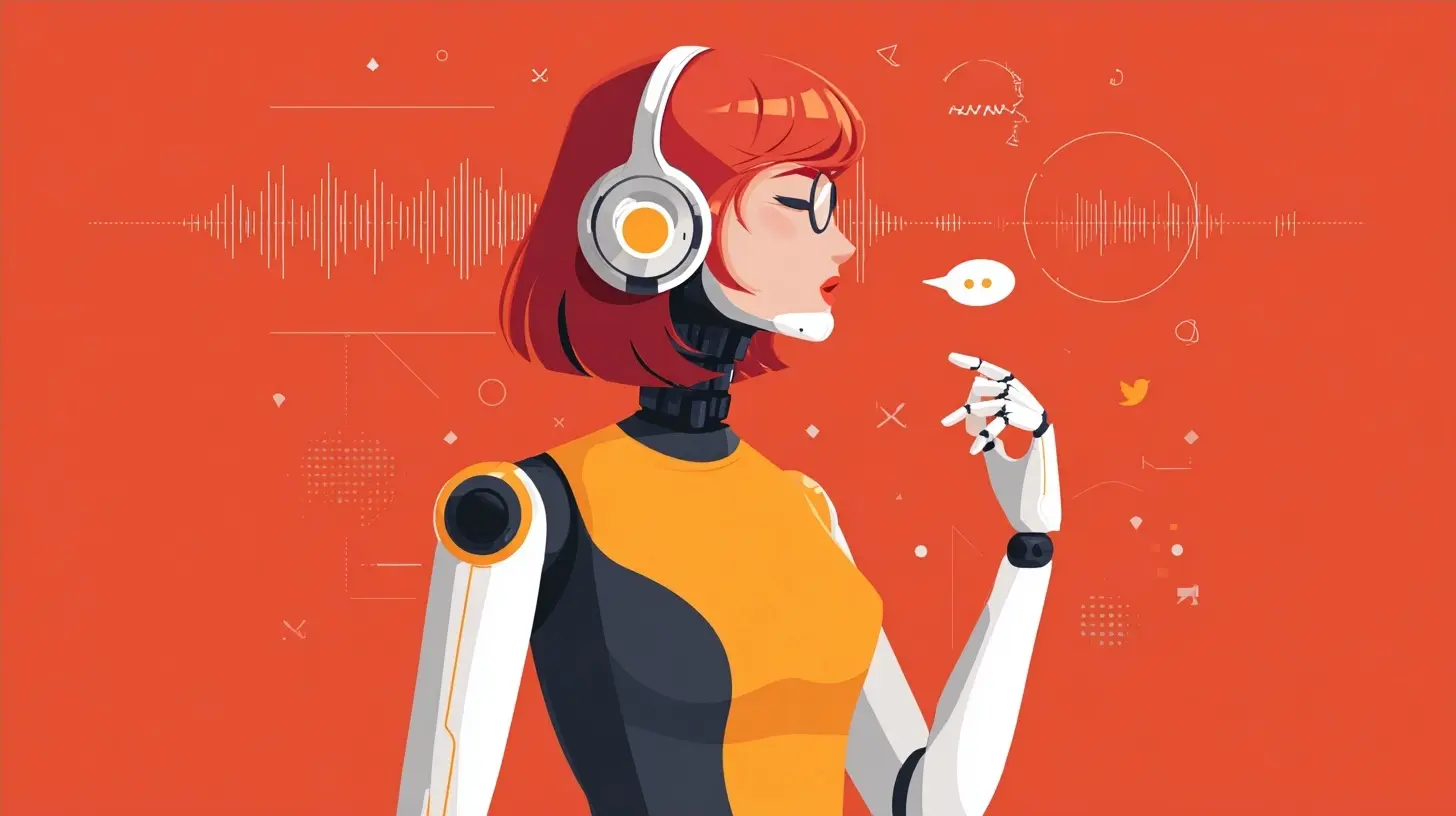
The Privacy Paradox You Cannot Ignore
Here is the uncomfortable truth. A digital assistant that is actually useful must know a lot about you. It needs your location to give traffic updates. It needs your messages to draft replies. It needs your purchase history to audit subscriptions. Every convenience is a data exchange.The 2027 landscape has stronger privacy regulations than before, at least in the European Union and California. But regulation does not equal protection. The vendors still collect data, and they still use it to improve their models, which is a euphemism for training on your personal information. Even if they anonymize it, anonymization has been proven flawed repeatedly.
You have three options. The first is to opt out of the advanced features and use a basic assistant that only handles local commands. This protects your privacy but makes the assistant nearly useless for the proactive tasks described above. The second is to accept the data exchange and trust that the vendor's security is good enough. This is the choice most people make, often without realizing it. The third is to use a hybrid model with strict data-minimization settings, meaning you manually review and approve what gets sent to the cloud.
There is no fourth option. You cannot have a cloud-based assistant that knows nothing about you. The physics and economics of machine learning do not allow it. So the real question is not "Is my assistant spying on me?" It is "What am I willing to trade for the convenience, and do I understand the full cost?"
Common Mistakes and Misconceptions
Let me clear up several things that people still get wrong in 2027, despite years of coverage.Mistake 1: Treating the Assistant Like a Search Engine
Many people still phrase requests as queries. They say "What is the capital of France?" That works, but it is a waste. A 2027 assistant is not a search box. It is an agent. Instead of asking "What is the best way to get to the airport?" you should say "Book me a ride to the airport for tomorrow at 6 AM, and text my colleague that I might be five minutes late." The assistant can do all of that if you let it.The mental shift is from asking questions to giving tasks. If you find yourself asking your assistant a factual question that you could have Googled, you are not using the tool to its full potential.
Mistake 2: Not Setting Boundaries
Your assistant is always listening, at least when you enable the wake word. It is not recording everything, but it is processing audio locally to detect the trigger phrase. In 2027, most assistants have a physical mute switch or a software toggle that disables the microphone. Use it when you are having sensitive conversations or when you just do not want to be interrupted.Also, set time boundaries. Many assistants have a "focus mode" that suppresses non-urgent notifications during your deep work hours. If you do not configure this, the assistant will ping you about a package delivery while you are in the middle of writing a complex report. That is your fault, not the assistant's.
Mistake 3: Assuming the Assistant Understands Sarcasm and Context
The language models are better than they were in 2023, but they still struggle with implied meaning. If you say "Great, another meeting," the assistant might literally add a meeting to your calendar. You need to be explicit. Say "Do not add that meeting" or "I am being sarcastic, ignore that."This is frustrating, but it is a fundamental limitation. The assistant does not share your life context. It does not know that your boss has been piling on work and that "another meeting" means dread. It only parses the literal words. The workaround is to use clear commands and reserve casual banter for humans.
Misconception: The Assistant Is a Person
Some people name their assistants, give them personalities, and feel a sense of companionship. That is fine for entertainment, but it becomes a problem when you start trusting the assistant's judgment over your own because you perceive it as a friend. The assistant is a statistical model. It does not have values, empathy, or a conscience. It optimizes for what it predicts you want, which is not the same as what is good for you.For example, if you frequently order fast food late at night, the assistant might start suggesting pizza at 11 PM because it learned that pattern. It is not judging you, but it is also not helping you. If you want healthier behavior, you need to explicitly program the assistant to block those suggestions.
How to Set Up Your Assistant for 2027
If you are starting fresh, here is a practical setup sequence that works well.Step 1: Choose Your Ecosystem
Decide whether you want to stay within one vendor's ecosystem or mix across platforms. Staying within one ecosystem, like using the same brand for your phone, watch, and speaker, gives you smoother integration. The assistant can share context across devices. The downside is vendor lock-in. Mixing ecosystems gives you more flexibility but often results in a disjointed experience where your phone assistant does not talk to your laptop assistant.My recommendation is to pick one primary ecosystem for your mobile and wearable devices, and use a separate assistant for your home speakers if you value privacy there. The home assistant does not need access to your work email.
Step 2: Configure Privacy Settings First
Do not skip this step. Before you start using the assistant for anything meaningful, go through the privacy dashboard. Turn off voice recording storage if you can. Set data retention limits to the shortest option. Disable personalized ads if that is available. Review which third-party apps have access to the assistant's data.This takes about twenty minutes, and it is the most important time you will spend with your assistant. Once you start using it heavily, the data accumulates, and retroactively deleting it is harder.
Step 3: Teach It Your Preferences
The assistant learns from your behavior, but you can speed up the process by explicitly telling it things. Say "I prefer email replies before noon" or "Never schedule meetings before 10 AM" or "I do not want news notifications during the weekend." The more you state your boundaries upfront, the less you will have to correct it later.Step 4: Start Small and Expand
Do not enable every feature on day one. Start with calendar management and email triage. Use that for two weeks. Then add financial monitoring. Then add health tracking. This gradual approach lets you notice problems early. If you enable everything at once, you will not know which feature is causing the strange behavior or the privacy leak.The Future You Should Prepare For
Looking ahead, the trend is toward agents that can take real-world actions, not just digital ones. By late 2027, some assistants can make phone calls on your behalf to schedule appointments or resolve billing issues. They do this by calling a human customer service line and conversing in natural language. The person on the other end often does not realize they are talking to a machine.This is a double-edged sword. It saves you hours of hold music. But it also means that the human customer service agent is now dealing with an AI, and the interaction can go sideways if the AI does not understand the agent's accent or the specific policy. When this works, it is wonderful. When it fails, it wastes more time than doing it yourself.
Another trend is the integration of assistants with augmented reality glasses. You will be able to see contextual information overlaid on your field of view, like a reminder that the person in front of you is your client's spouse, or a live translation of a foreign menu. This is still early, and the battery life and form factor are not great yet. But the direction is clear. The assistant is moving from your pocket to your face.
The Bottom Line
Your digital assistant in 2027 is a powerful tool, but it is not a magic solution. It requires setup, boundary setting, and periodic review. The people who get the most value from their assistants are not the ones who buy the most expensive hardware. They are the ones who spend time teaching the assistant their preferences, who review their privacy settings regularly, and who treat the assistant as a capable but fallible employee rather than an oracle.The best test of whether your assistant is working for you is simple. Ask yourself: does it reduce your cognitive load, or does it add to it? If you are constantly correcting mistakes, dismissing irrelevant notifications, or worrying about data leaks, then your setup is wrong. Adjust the settings. Limit the scope. Go back to basics. A well-configured assistant should feel like a calm background presence, not a demanding one.
The technology will keep improving. Models will get better at understanding context. Privacy protections will hopefully get stronger. But the fundamental principles will not change. You are in charge. The assistant is a tool. Use it with intention, and it will serve you well. Use it without thought, and it will serve its vendor instead.
all images in this post were generated using AI tools
Category:
Digital AssistantsAuthor:

Adeline Taylor
Discussion
rate this article
2 comments
Paul McCoy
Exciting insights for future digital assistants!
September 22, 2026 at 12:05 PM
Adeline Taylor
Thanks! I'm glad you found it insightful. Exciting times ahead for digital assistants!
Theo Strickland
While the guide offers a glimpse into the future of digital assistants, it overlooks the potential ethical implications of AI. As these technologies evolve, the balance between convenience and privacy must be critically examined to ensure users remain in control of their digital lives.
September 15, 2026 at 11:42 AM
Adeline Taylor
You make a valid point. Balancing convenience and privacy is crucial as digital assistants evolve. I'll keep this in mind for future discussions. Thank you for your insight!